Budget Meal Maker
Budget Meal Maker helps people eat well without blowing their food budget. Instead of guessing what to buy, you enter your stats, goals, and what you actually have to spend — and it builds a real meal plan: three options (a nutritionally ideal plan, a budget-trimmed version, and one you customize yourself), each with an exact grocery list and cost breakdown, ready to print. Built with Astro and TypeScript for a fast, no-backend experience.
Technology Stack
 TypeScript
 Tailwind CSS
 Cloudflare Workers
 JavaScript
Step 1: Your Stats
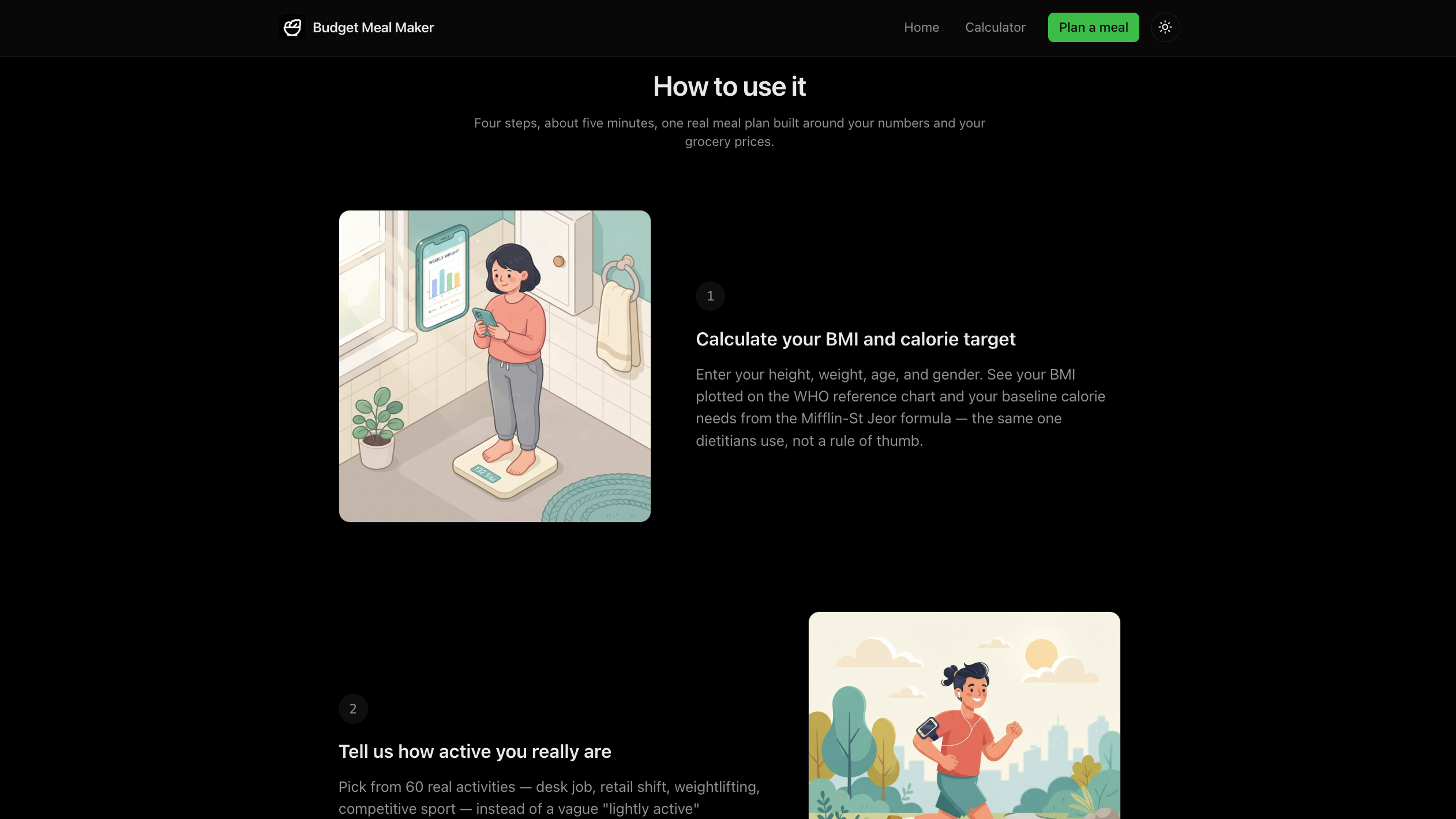
You start by entering your height, weight, age, and gender — Budget Meal Maker uses this to work out your BMI and roughly how many calories you burn day to day. You can switch between metric and imperial units at any point without losing what you typed.
Your result is shown against a clear healthy-range chart so you know exactly where you stand. Since the formulas only make sense for adults, the age field is limited to 18–120, and if you come back later, your saved stats are right where you left them.
- Switch between metric and imperial without losing your numbers
- See exactly where your BMI falls on a clear health-range chart
- Built for adults (18–120), since that's who the formulas apply to
- Your stats are saved automatically for next time

Step 2: How Active You Are
Rather than picking a vague "sedentary" or "active" label, you choose from 60 real, illustrated activities — desk job, running, yoga, construction work, and more — grouped into simple activity levels that shape how many calories you need.
A smart search finds what you're looking for even if you're not sure of the exact term, and you can filter by category to browse instead of typing.
- 60 real, illustrated activities to choose from
- Smart search that's forgiving of typos
- Filter by category to browse instead of searching
- Pick the one that best matches your day

Step 3: Your Food & Budget
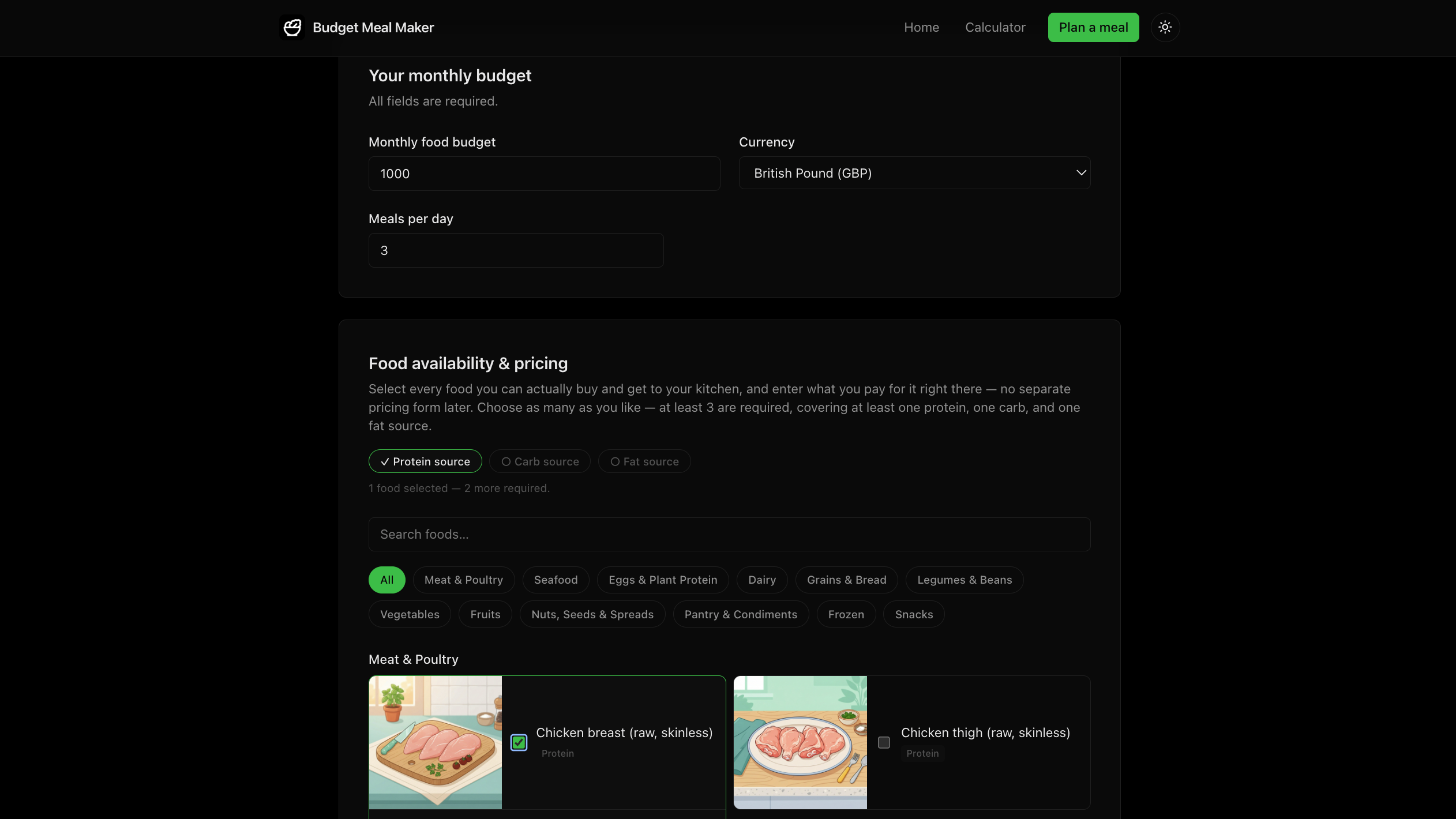
Here you set your monthly food budget, your currency (detected automatically, but changeable), and how many meals you eat a day. Then you browse a database of 95 real grocery items across 12 categories and pick what you actually buy, with search and filters to find things fast.
For each food you pick, you enter how much and what it costs, and Budget Meal Maker instantly shows the calories, protein, carbs, and fat it adds — with unit conversions handled for you, so switching between grams and kilograms never accidentally changes your quantity. It also nudges you to include at least one protein, one carb, and one fat source before you move on, so your final plan is actually balanced.
- 95 real grocery items across 12 categories, searchable and filterable
- Budget, currency, and meals-per-day, all set by you
- Live cost and nutrition preview as you add each food
- Gentle nudge to keep your picks nutritionally balanced
Step 4: Your Meal Plan
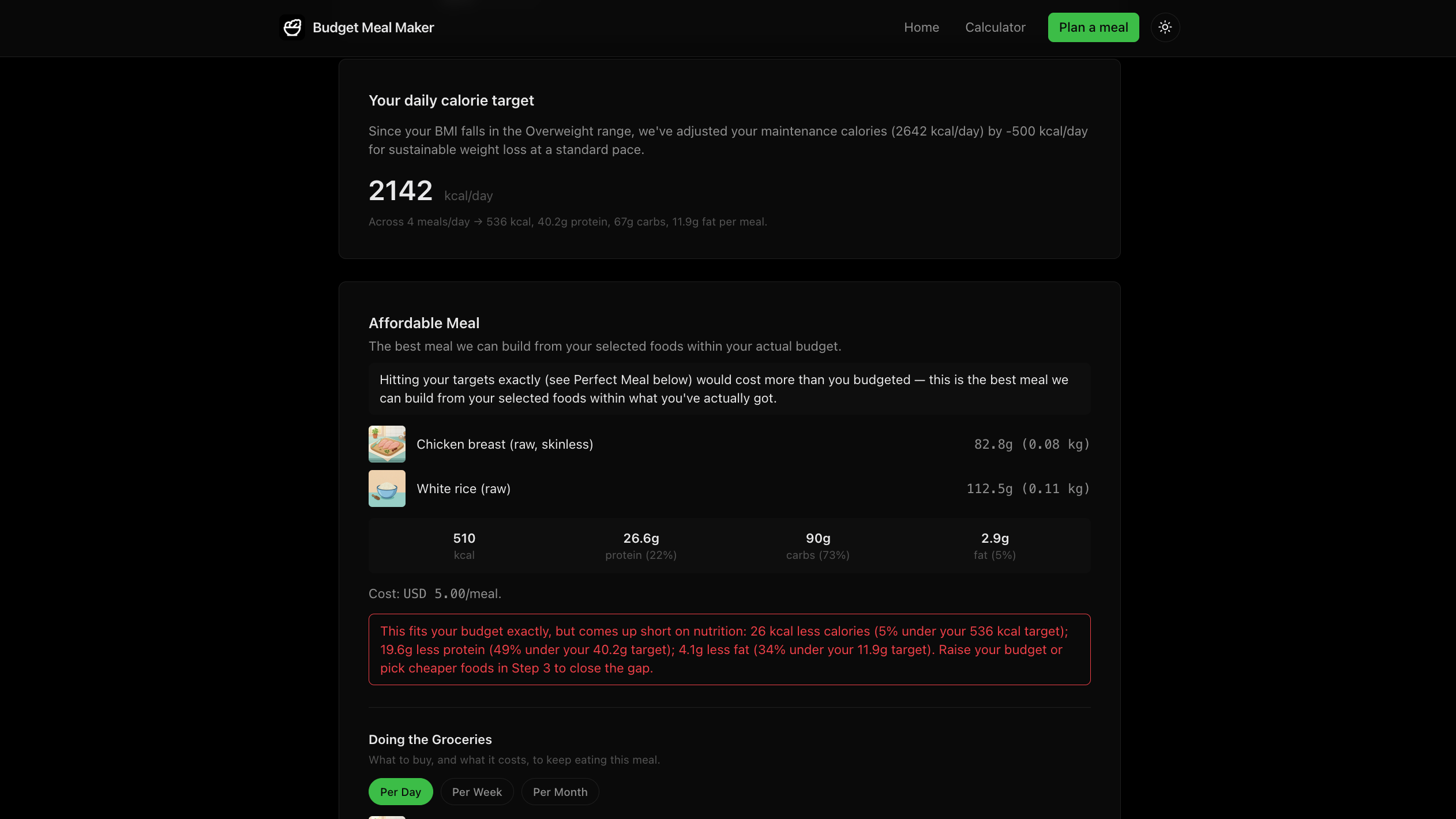
Hit "Make my meal" and Budget Meal Maker builds your plan: a Perfect Meal built purely around good nutrition, an Affordable Meal that trims cost back down to fit your budget when the perfect one runs over, and a Custom Meal you build yourself by hand. Each one comes with a clear grocery list you can scale to a day, week, or month.
If a plan goes over budget or falls short on nutrition, you'll see exactly by how much — not just a vague warning. Change anything in an earlier step and your results update to match. When you're happy with a plan, one click turns it into a clean, printable PDF.
- Three tailored meal options: Perfect, Affordable, and Custom
- Grocery list that scales to a day, week, or month
- Specific warnings when a plan is over budget or under target
- One-click PDF export, ready to print
- A daily water-intake suggestion included with every plan
Landing Page
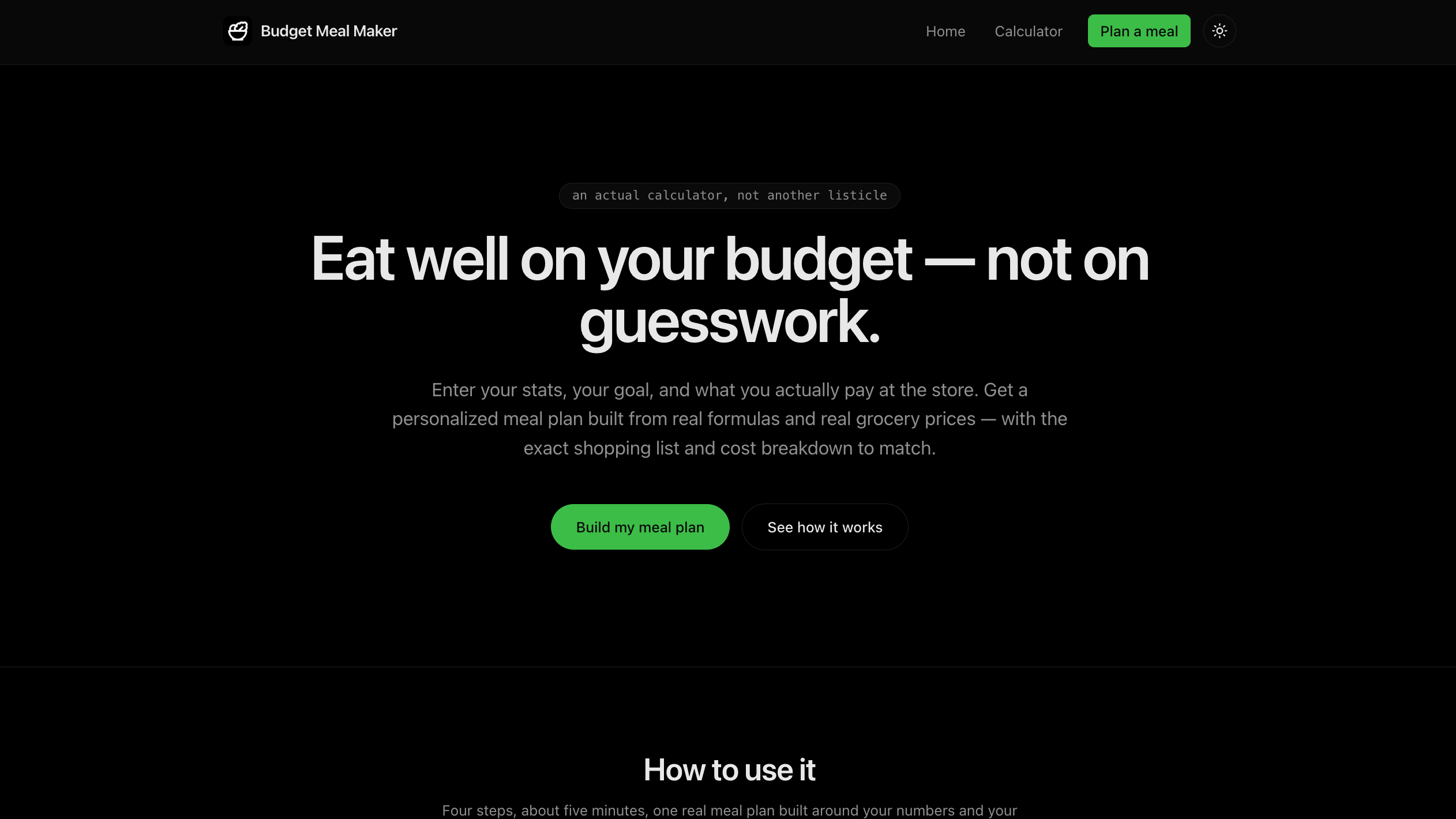
The homepage makes the pitch fast: most "budget meal plan" content online is just an article with no real tool behind it — this one actually builds your plan for you. It walks through the four simple steps with matching illustrations, so you know exactly what to expect before you start.
Below that, a "Learn more" section links into the site's meal-planning guides, and the footer carries full navigation to every page on the site.
- Clear hero section with a direct path into the calculator
- Visual walkthrough of the four-step process
- Links into the site's meal-planning guides
- Full site navigation in the footer
Meal Planning Guides
Beyond the calculator, the site includes real, well-researched guides: how to actually build a budget meal plan, how the underlying math works with a worked example, real sample meal plans with real costs, and an FAQ covering the most common questions.
There's also a ranking of the cheapest grocery staples by nutritional value for the money — every number sourced from real nutrition and pricing data, not guessed.
- A step-by-step guide to building your own budget meal plan
- A plain-language explainer of how the calculator works
- Real sample meal plans with real costs
- An FAQ answering the most common questions
- A ranking of the cheapest, most nutritious grocery staples

Email Guide & Ebook
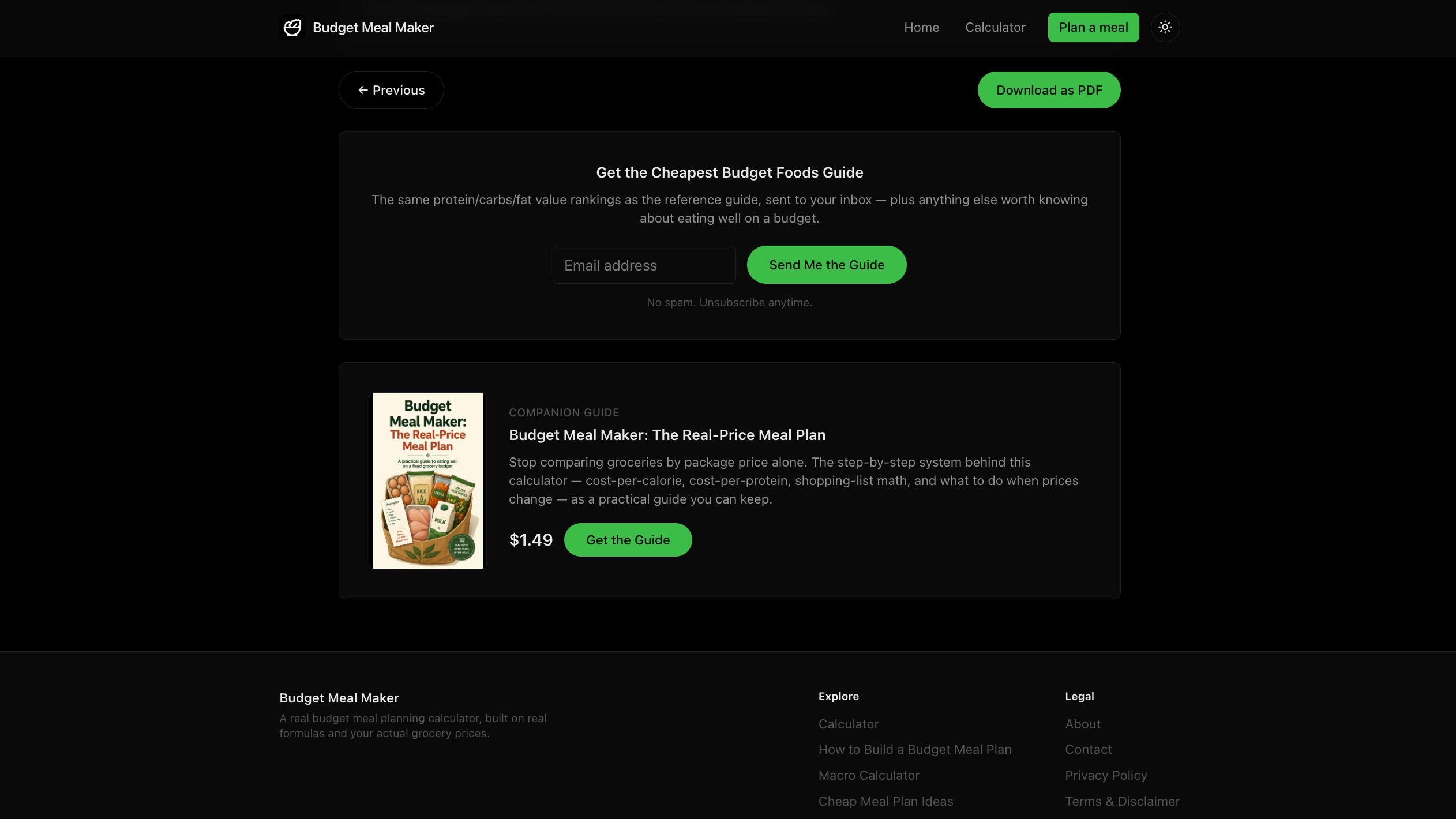
Once you get your results, you can enter your email to receive a free guide to the cheapest, most nutritious groceries — no spam, just a one-time send after you confirm your email.
There's also an optional companion ebook for anyone who wants an even deeper, real-price meal-planning guide. Both offers are tucked out of the way and never show up in your printed PDF.
- Free emailed guide to budget-friendly groceries
- Confirmed opt-in, no spam
- Optional companion ebook for a deeper dive
- Never appears in your printed plan