CineRental
CineRental lets you browse a catalog of movies, check ratings and details on any title, and add what you want to rent to a cart before checking out. Switch between light and dark mode however you like to browse. Built with React and Tailwind CSS.
Technology Stack
 React
React Tailwind CSS
 JavaScript
Browse Movies
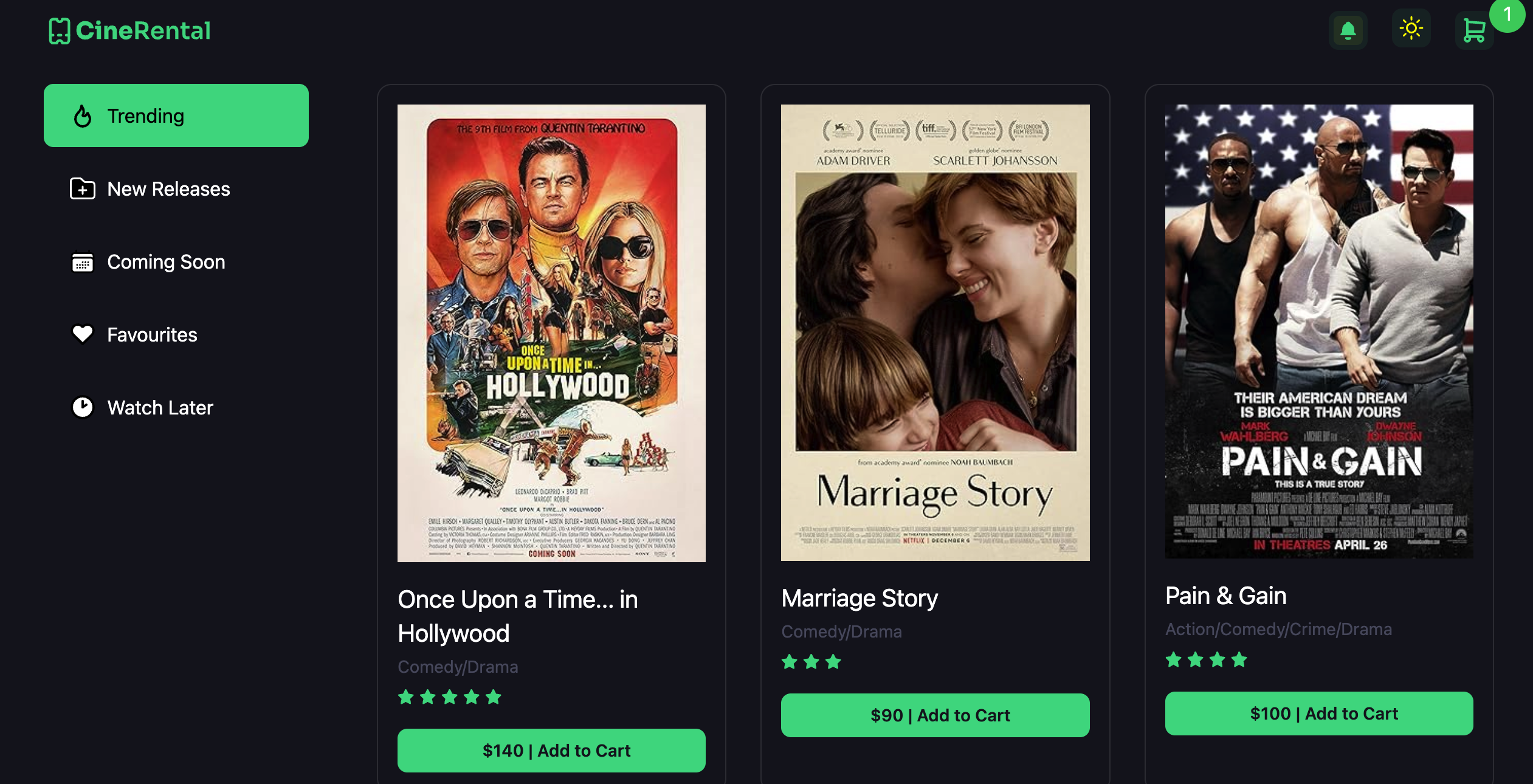
Every movie is shown as a card with its name, genre, and rating, plus a quick "Add to Cart" button — browse the full catalog in a clean, responsive grid.
- Browsable grid of every movie
- Genre and rating shown at a glance
- Add to cart in one click
Cart
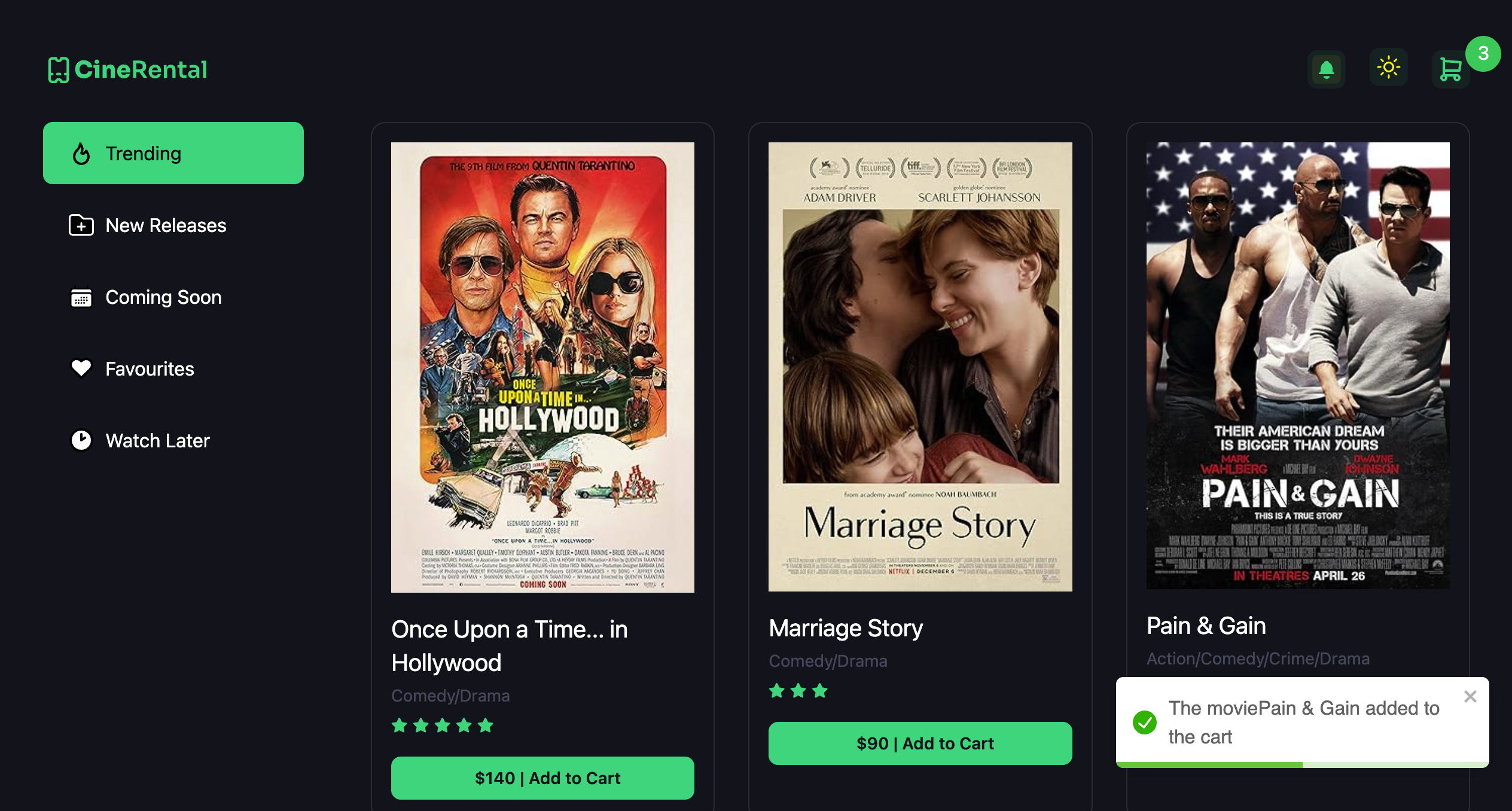
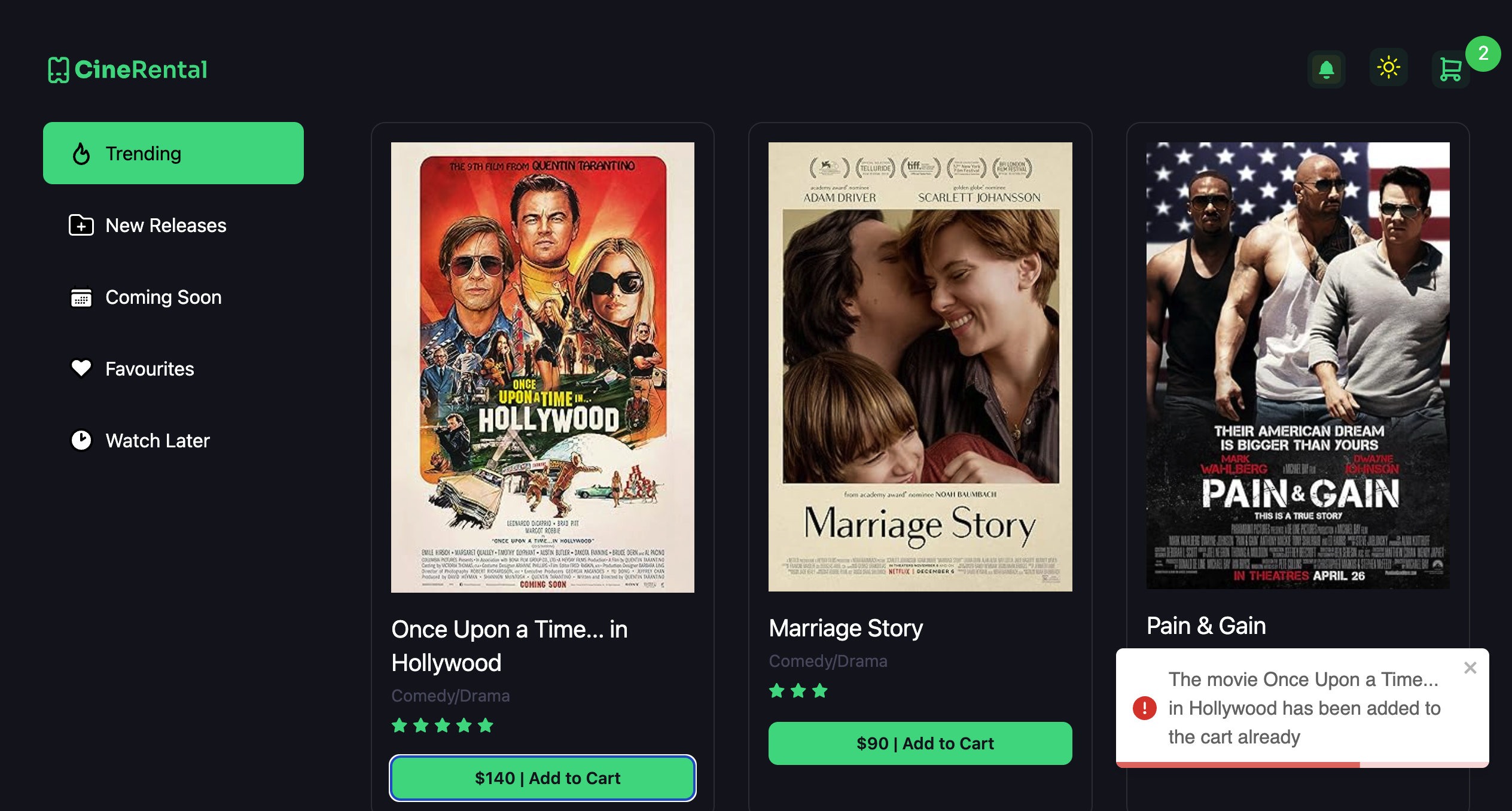
Adding a movie gives you a clear confirmation, and trying to add the same one twice lets you know it's already in your cart — so you always know exactly what you've picked.
- Clear confirmation when you add a movie
- Warns you if it's already in your cart
Light & Dark Mode
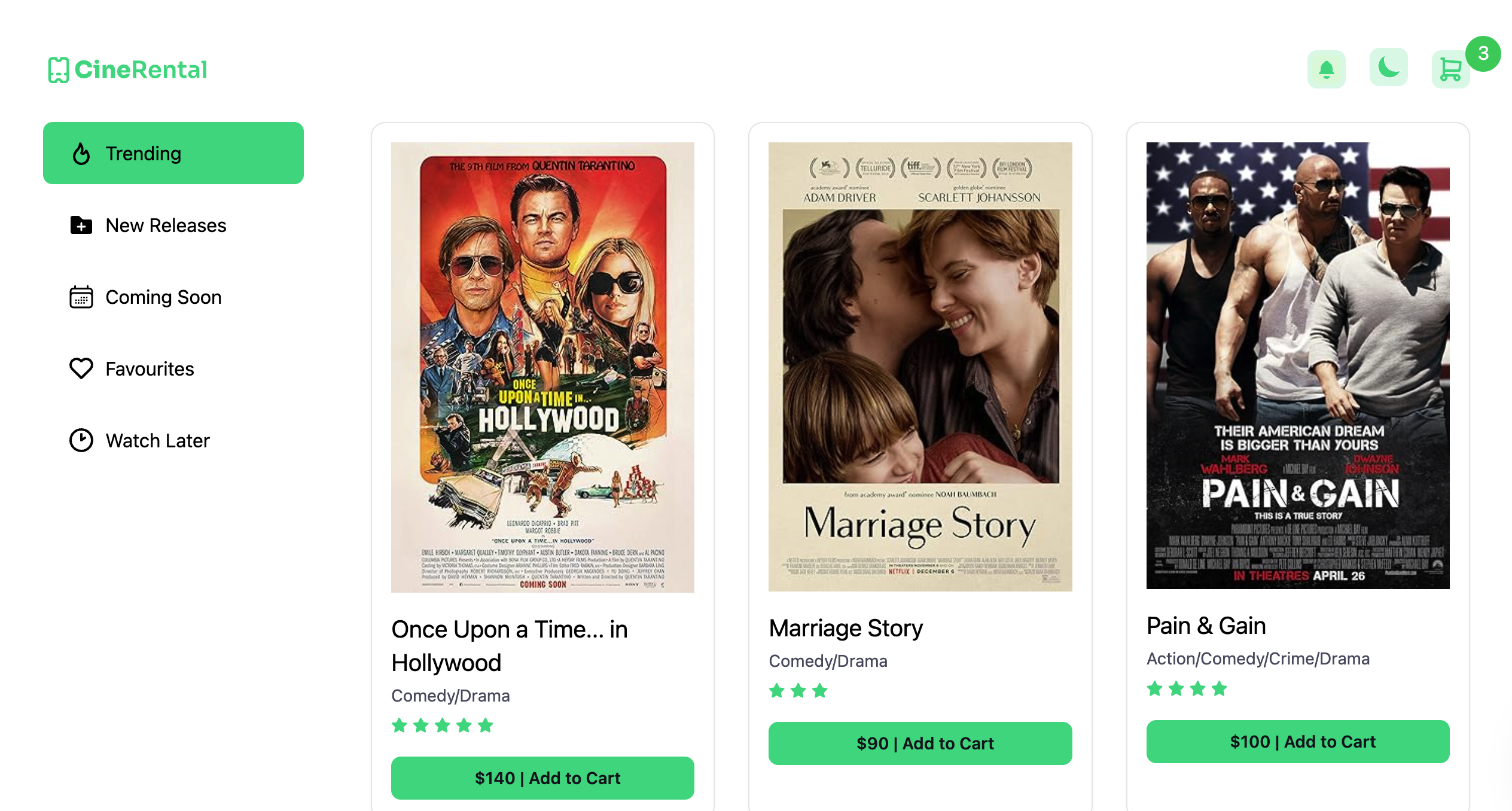
Switch between light and dark themes anytime, with consistent styling across every page.
- Light and dark mode
- Consistent look across the whole app
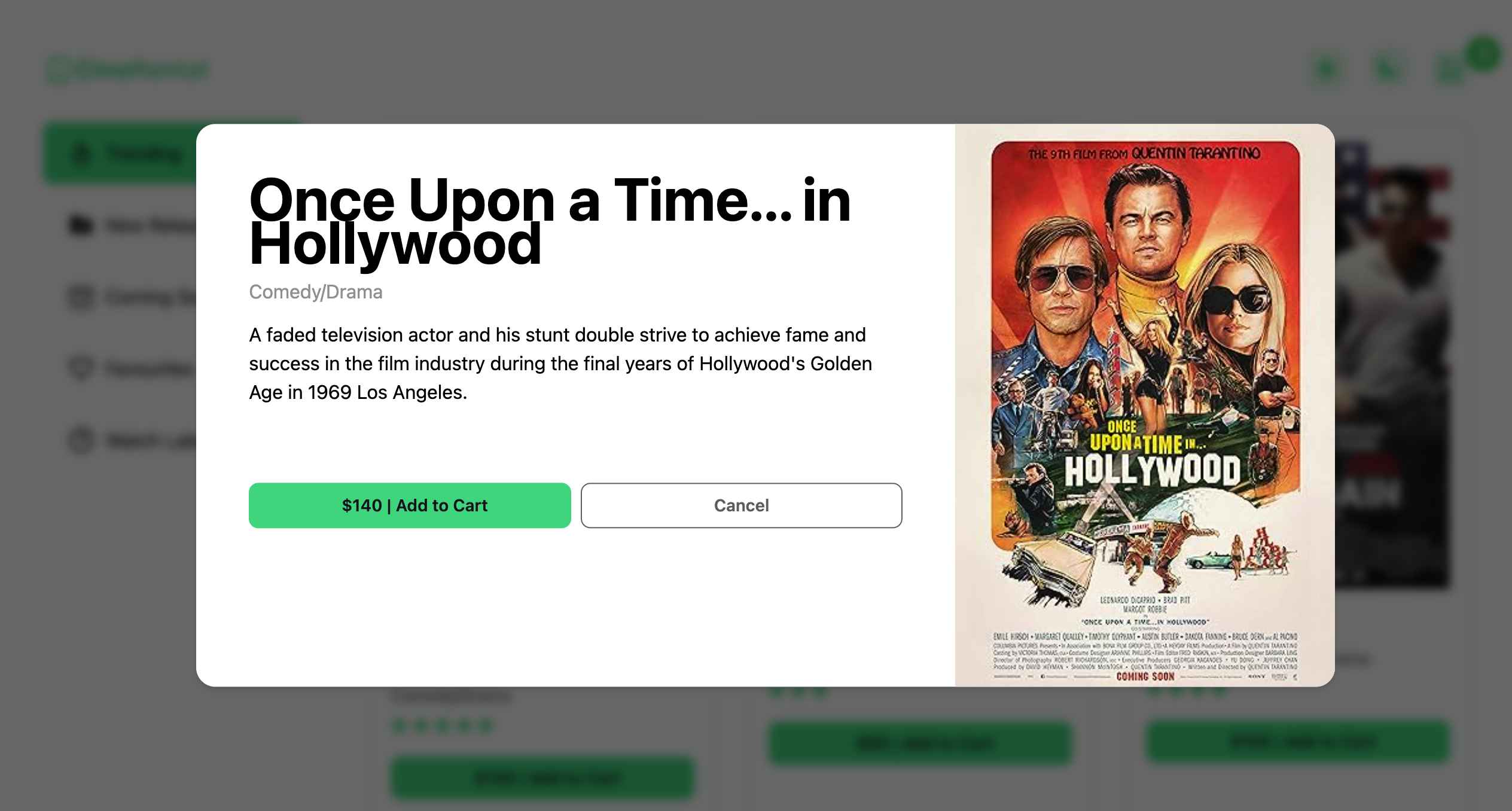
Movie Details
Click any movie to see a full-size view with its complete details, rating, and a button to add it straight to your cart.
- Full-size detail view for any movie
- Add to cart straight from the detail view
Cart Summary
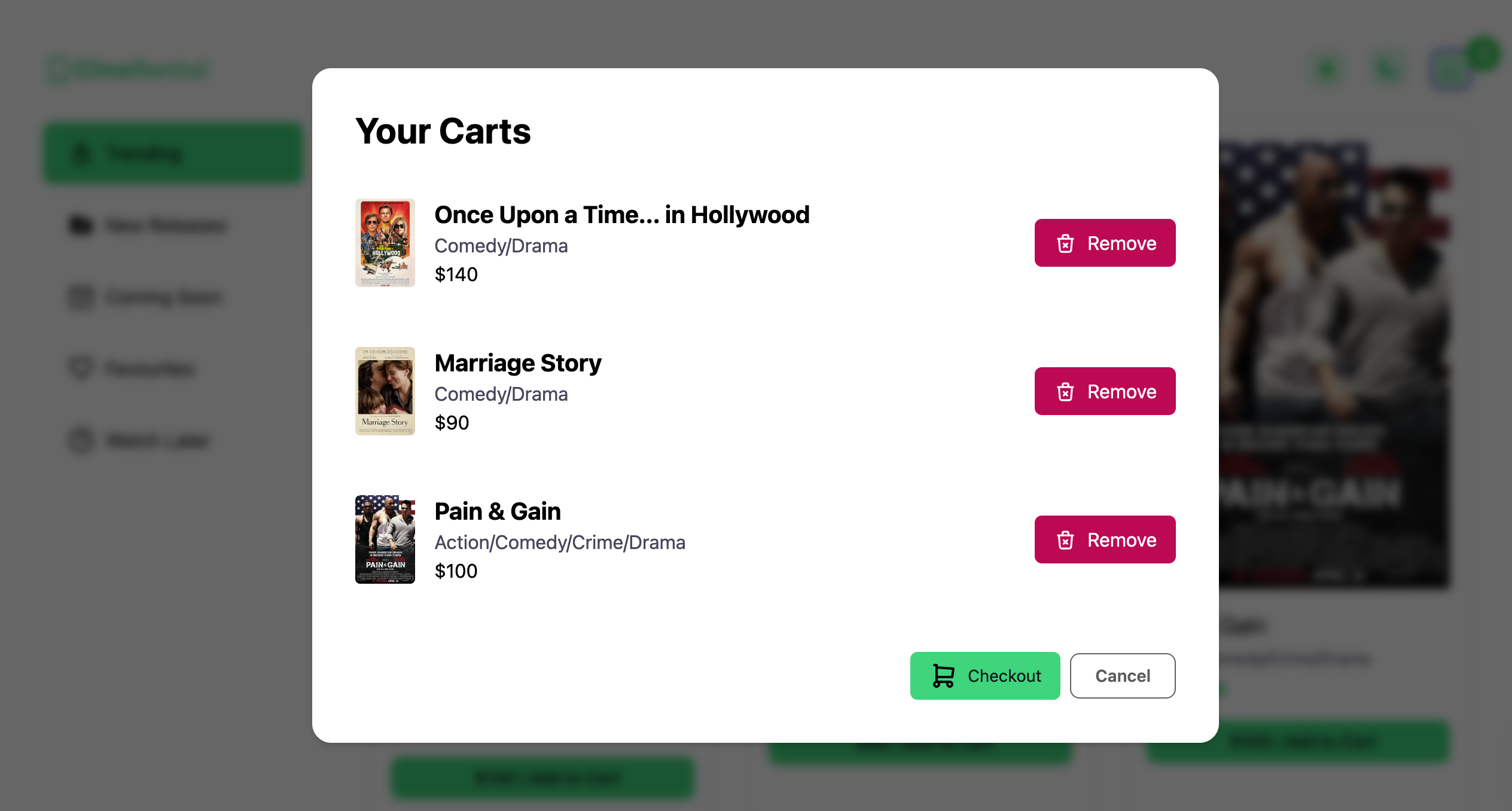
Open your cart to see everything you've added, remove anything you've changed your mind about, and check out when you're ready.
- Full cart summary with checkout
- Remove any movie from your cart
Built With
Built with React for a fast, dynamic interface, styled with Tailwind CSS.
- React for a dynamic interface
- Tailwind CSS for consistent styling