Expense Tracker
Expense Tracker helps you actually understand your own finances instead of guessing. You add your bank accounts and cash on hand, log what you spend day by day, and it keeps a running picture of your balances, income, and spending for every month — no spreadsheets required. Everything is tied to your own account, so your numbers stay private and update the moment you make a change. Built with Next.js, TypeScript, and MongoDB for a fast, reliable dashboard experience.
Technology Stack
 Next.js
 React
React Tailwind CSS
 TypeScript
 JavaScript
 MongoDB
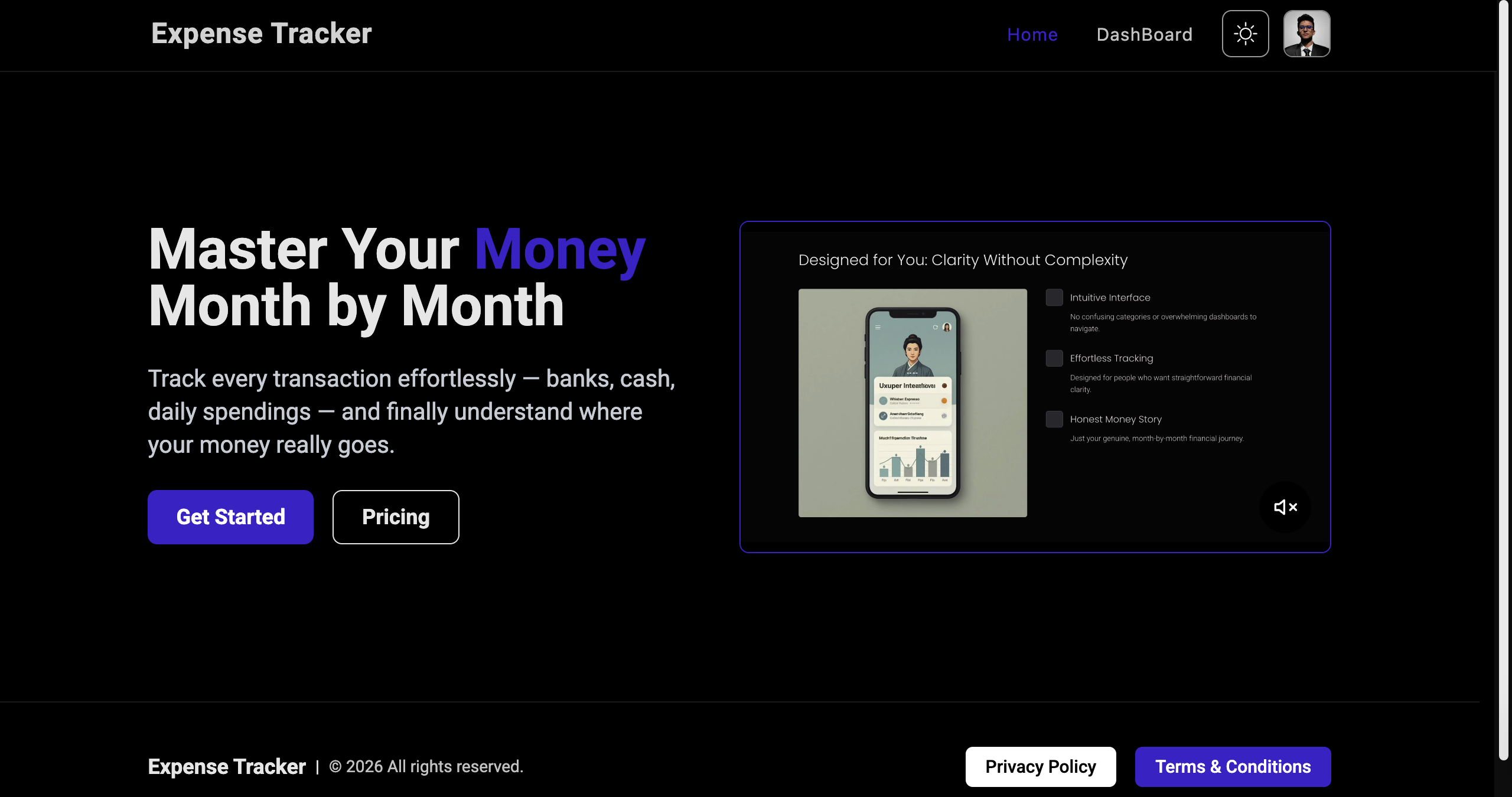
Landing Page
A clean, welcoming homepage that explains what Expense Tracker does and gets you straight into signing up, logging in, or your dashboard if you're already in.
- Clean, modern hero section
- Light/dark theme toggle
- Responsive on every device
- Clear calls-to-action to get started
Account & Login
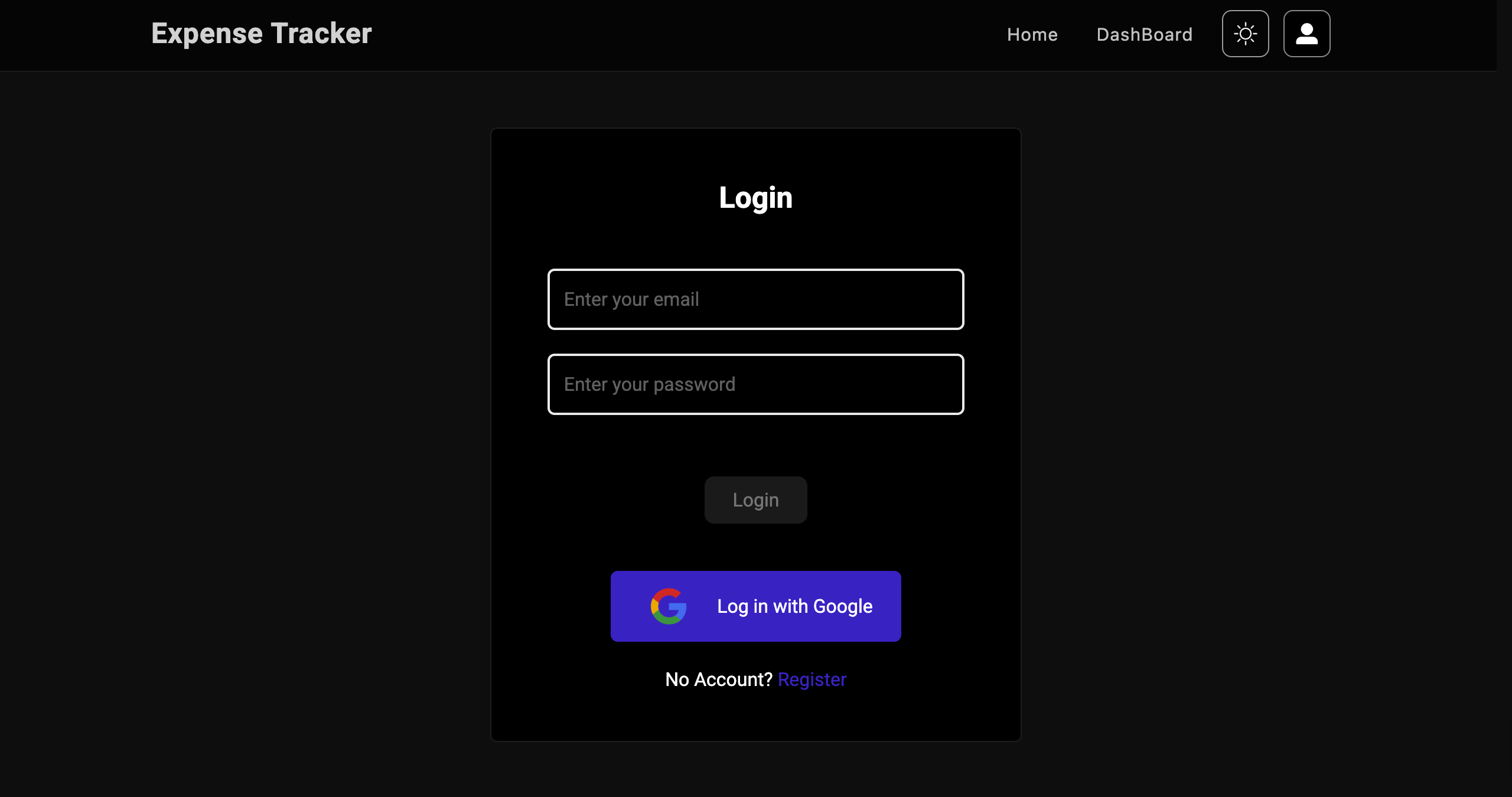
A straightforward sign-up and login flow. You register with your email and password, log in, and your data is yours alone — anyone not signed in is kept out of the dashboard.
- Secure login and registration
- Passwords stored safely, never in plain text
- Responsive account pages

Dashboard — Financial Overview
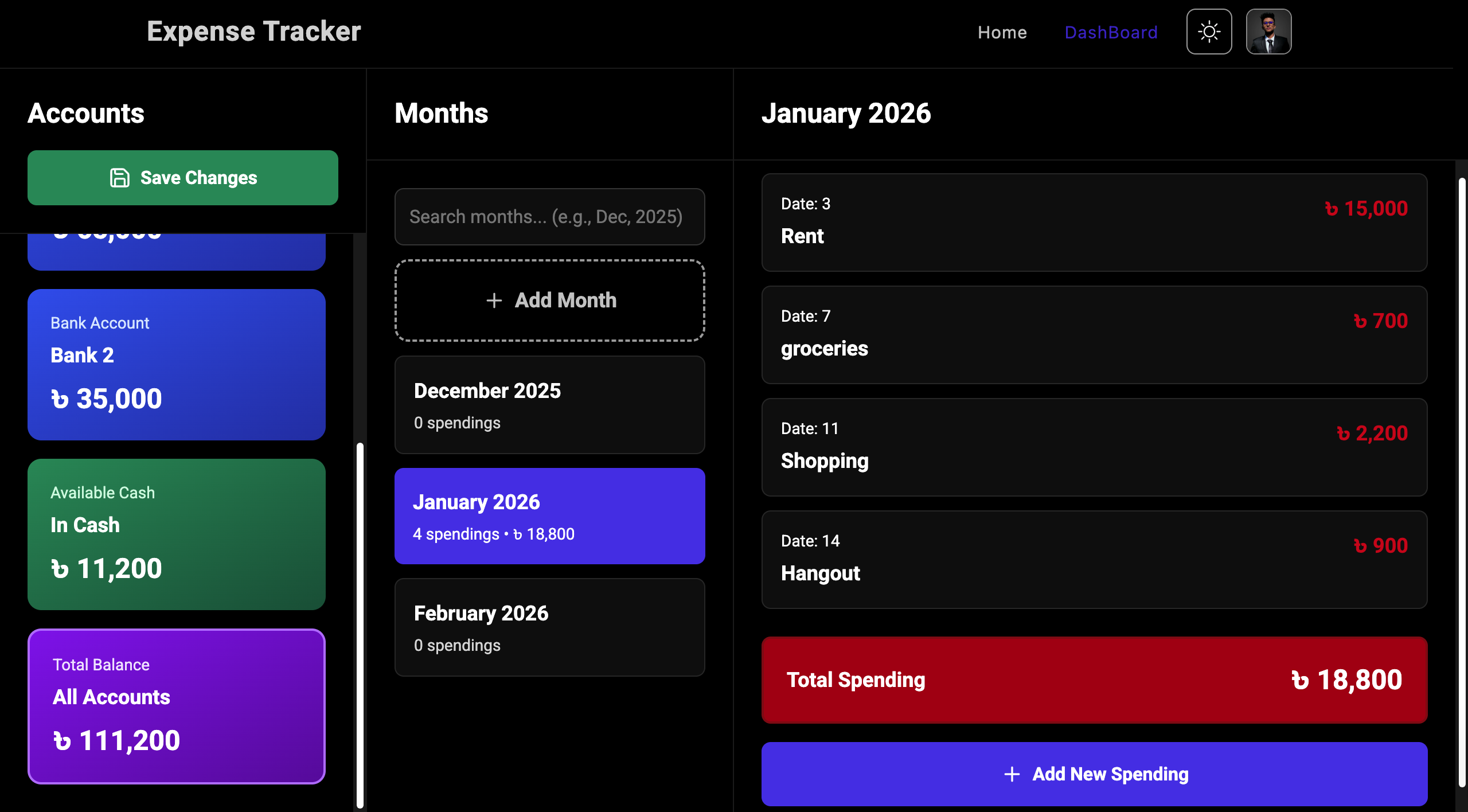
The dashboard is where everything comes together: your bank accounts and cash on one side, a monthly overview in the middle, and the month you're currently looking at on the other — all updating in real time and saved automatically.
- Three-panel overview: accounts, month, spending
- Balances update instantly as you make changes
- Warns you before you lose unsaved edits
- Clean, modern card-based layout

Bank Accounts
Add any bank account, see its balance at a glance, and deposit, withdraw, or move money between accounts — all through a simple pop-up, with every change saved instantly.
- Add new bank accounts
- Deposit, withdraw, or transfer between banks
- Search and filter your accounts
- Visually distinct cards for each bank

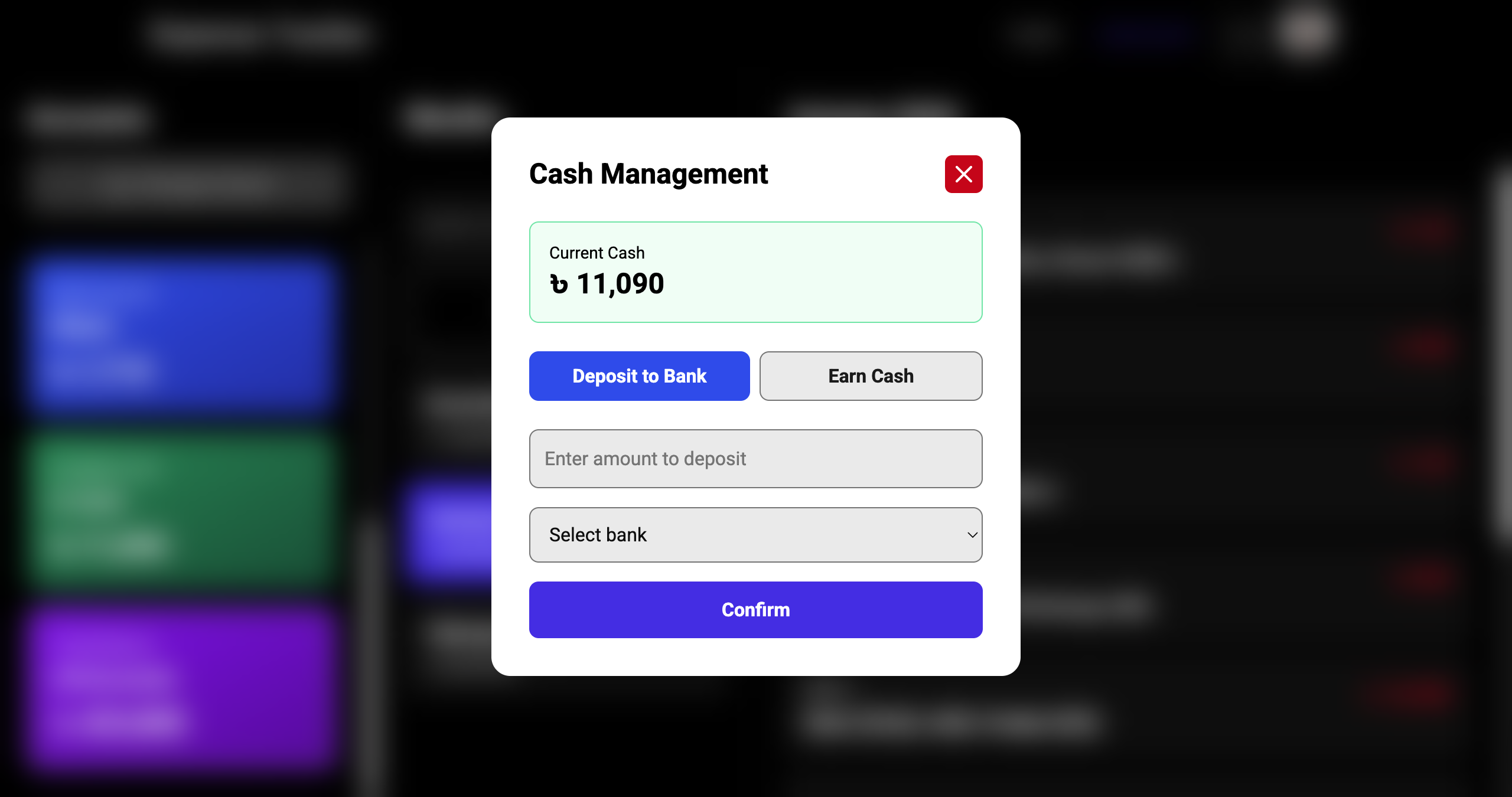
Cash on Hand
A dedicated space for tracking physical cash — move it into a bank account or log new cash income, with checks in place so your numbers never go out of sync.
- Track your physical cash balance
- Deposit cash into any bank account
- Log new cash income
- Simple pop-up for every action
Monthly Spending
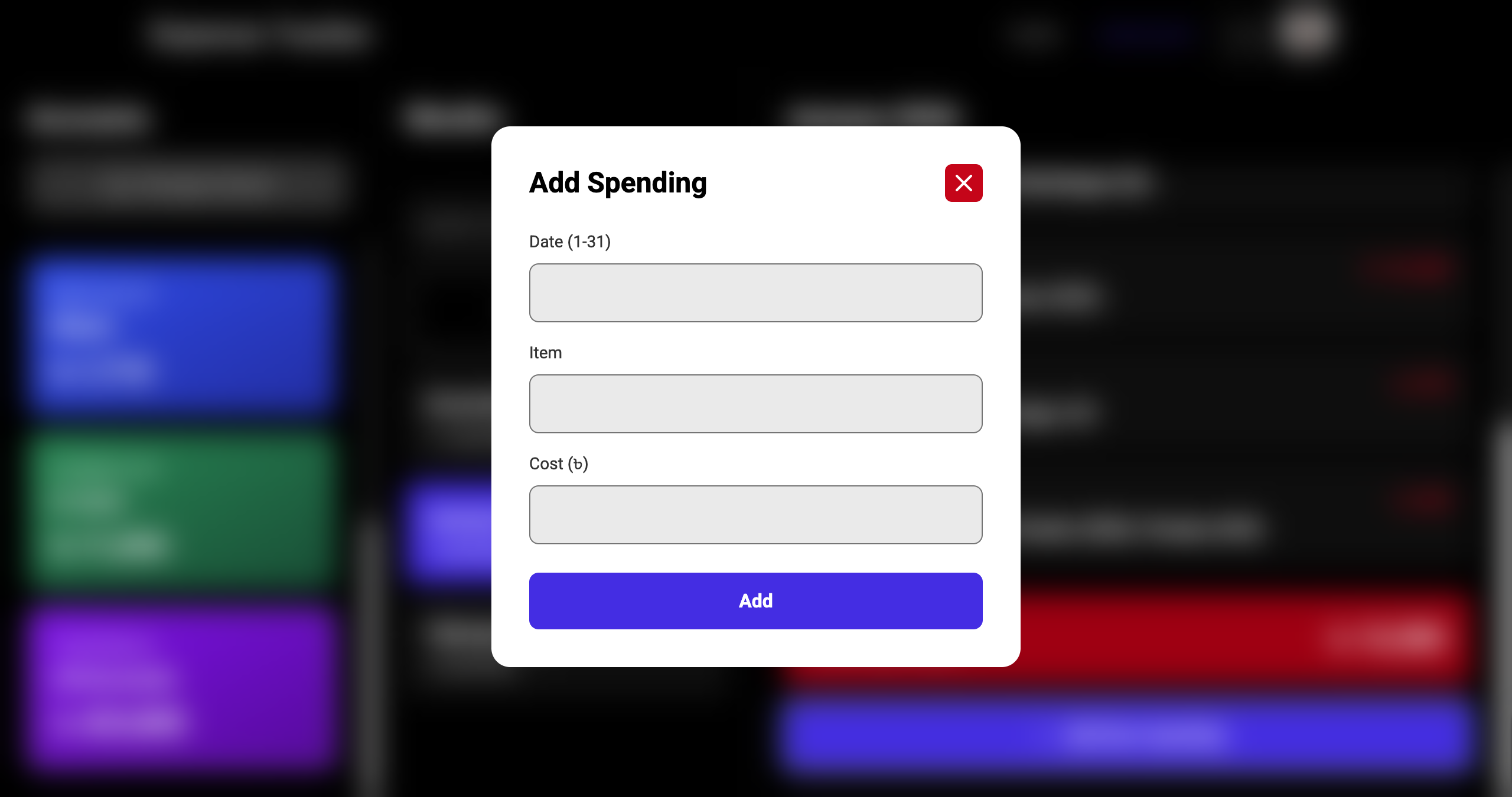
Step through your months one at a time and log what you spent each day — the item, the amount, the date — and Expense Tracker keeps your balances current automatically, catching duplicate entries before they happen.
- Move between previous, current, and future months
- See your full spending list and total for the month
- Add, edit, or delete any daily expense
- Guards against logging the same date twice

Under the Hood
Built with Next.js and TypeScript for a fast, reliable dashboard, with MongoDB keeping every account and expense saved and up to date the moment you make a change.
- Next.js and TypeScript throughout
- MongoDB for real-time financial data
- Smooth, responsive interface with theme support