Facelees
Facelees gives a local retailer a real online storefront without any of the usual friction. Customers can browse the full product catalog, search and filter for what they want, and place an order for cash on delivery in just a few clicks — no account or login needed. Behind the scenes, the shop owner has a private dashboard for everything that keeps the business running: adding and editing products with photos, controlling the rotating banner images on the homepage, and tracking every order from the moment it's placed through to delivery. Access to that dashboard is locked to the owner's own approved accounts, so the storefront stays open to everyone while the business tools stay private. Built with Next.js, TypeScript, and MongoDB, and served through Cloudflare for a fast, secure experience anywhere.
Technology Stack
 Next.js
 React
React Tailwind CSS
 JavaScript
 TypeScript
 MongoDB
 Cloudflare
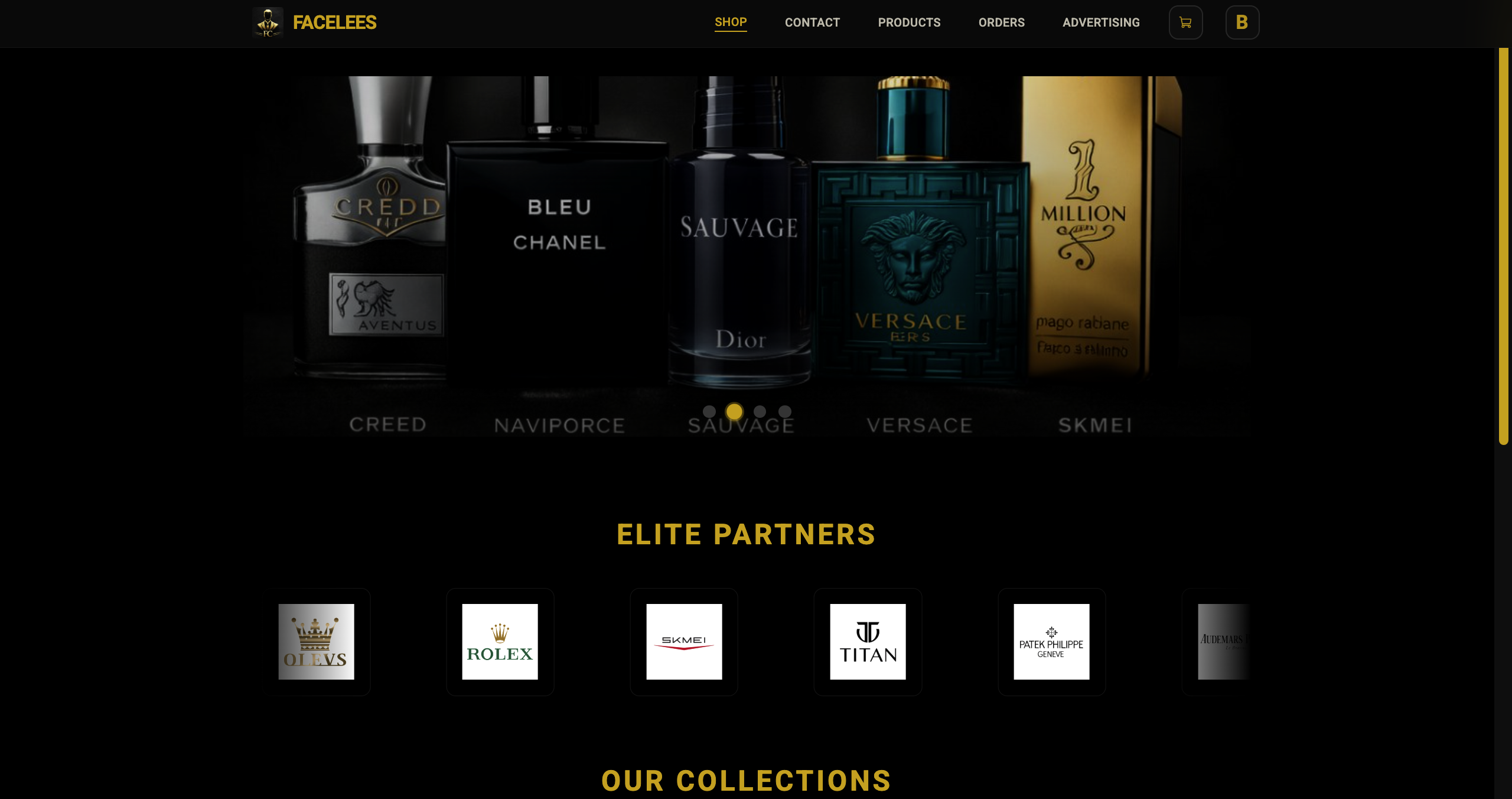
Public Shop & Landing Page
The homepage doubles as the whole shop — a rotating banner up top, a showcase of brand logos for trust, and a full product grid customers can search and filter through.
Each product card shows a clear photo, brand and name, a short description, the current price (with the original price crossed out when it's discounted), whether it's in stock, and an easy add-to-cart button.
The whole storefront is open to anyone — no account needed — and loads fast thanks to edge caching.
- A rotating banner carousel the owner fully controls, order and all
- A brand logo showcase that builds trust with shoppers
- A product grid that adapts smoothly from phone to desktop
- Instant search across product name, brand, category, and description
- Sort products by price, low to high or high to low, discounts included
- Clear visual badges for discounts, in-stock, and out-of-stock items
- Smooth hover animations and a subtle image zoom effect
- Friendly loading placeholders while the page fetches products

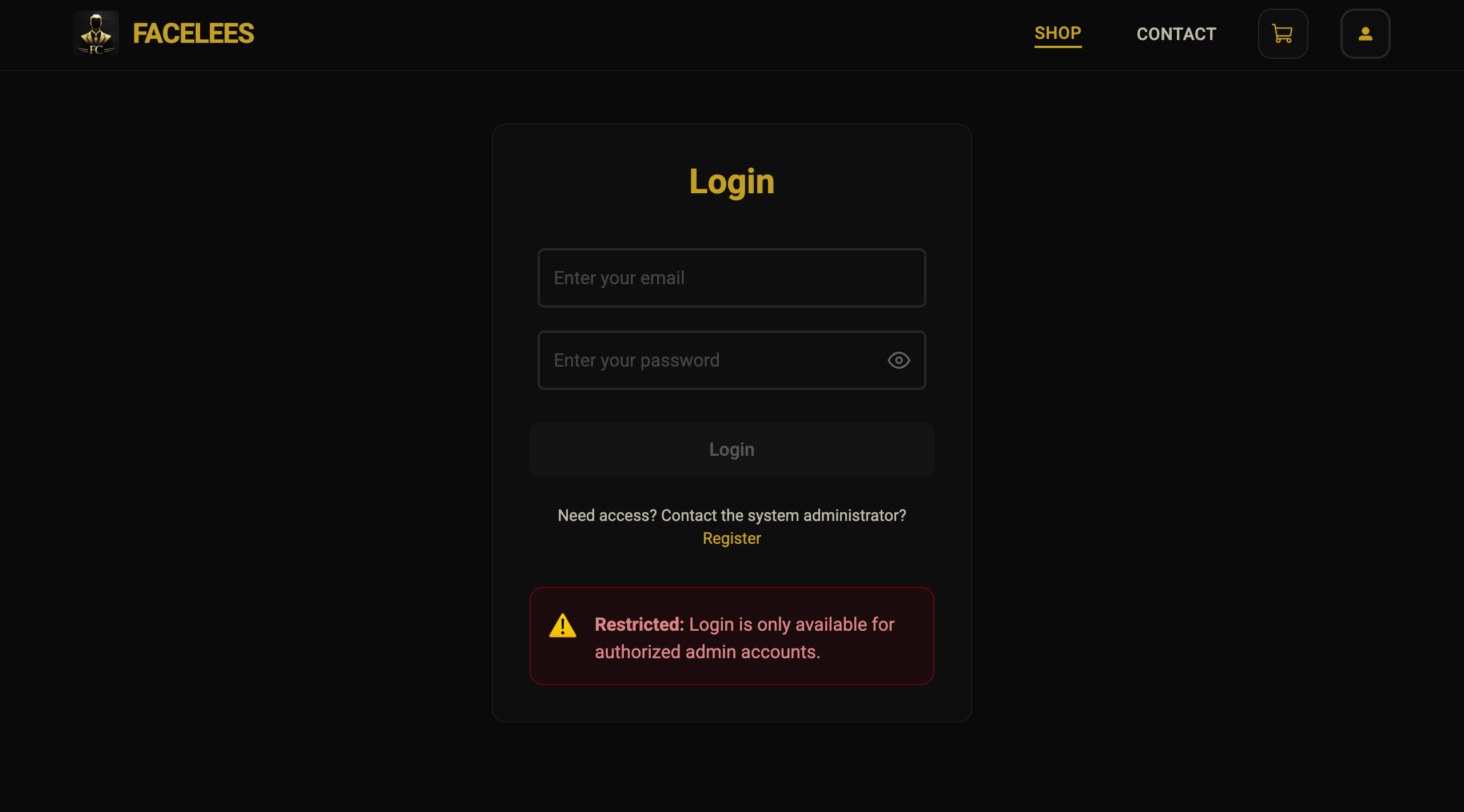
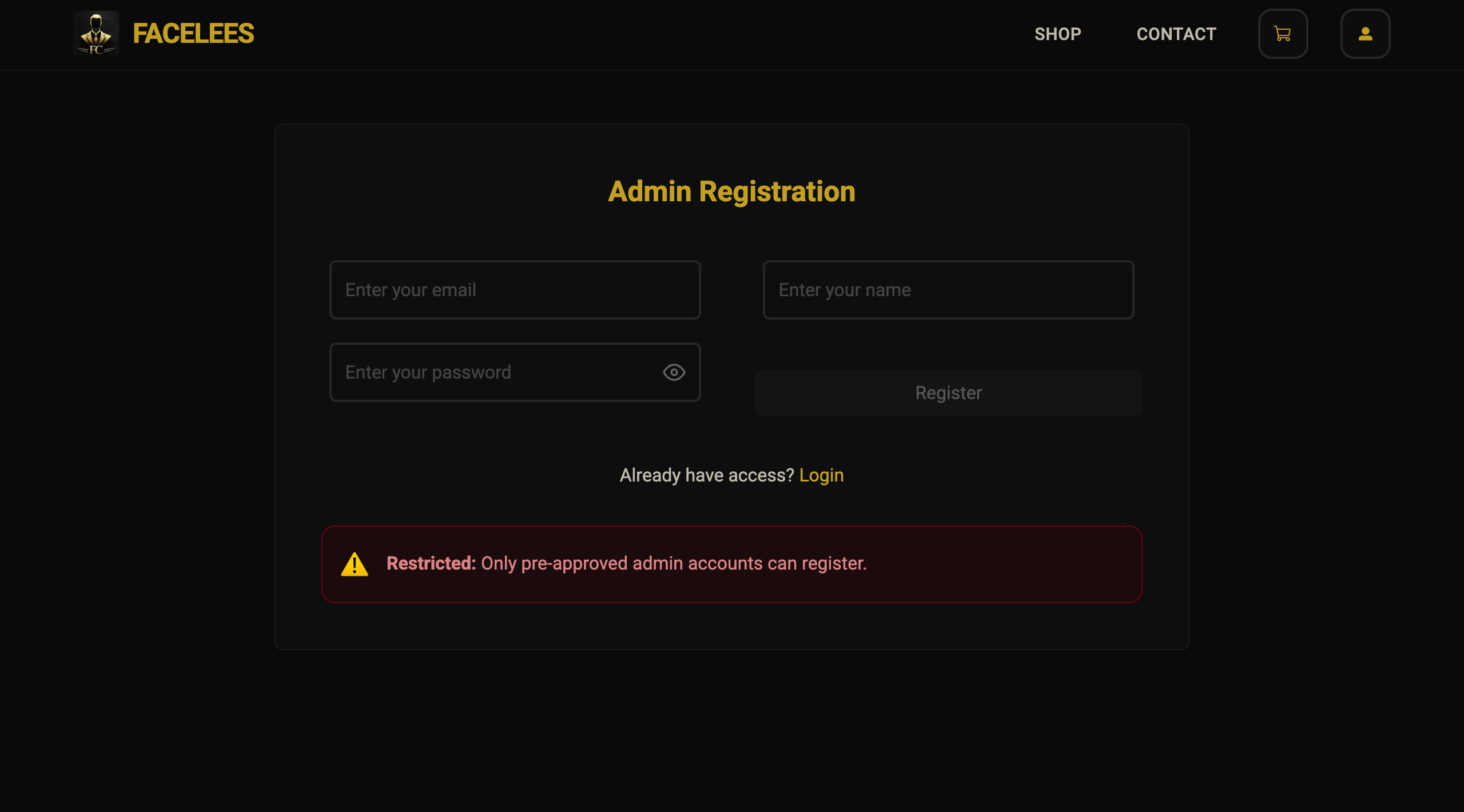
Admin-Only Authentication System
Only the shop owner's own approved accounts can ever get into the admin tools. Regular visitors can't sign up or log in at all — they're clearly told the area is restricted.
Logging in gives clear, helpful feedback if something's wrong, and both the login and account screens carry the same dark, gold-accented look as the rest of the brand.
- Only pre-approved Gmail accounts can ever access the admin area
- Instant validation on every field as you type
- Clear warnings shown to anyone who tries to access restricted areas
- A smooth redirect straight into the shop after logging in
- A clean, centered form that looks great on any device
- Small touches that make autofill behave properly on phones and desktops
Shopping Cart & Cash on Delivery Flow
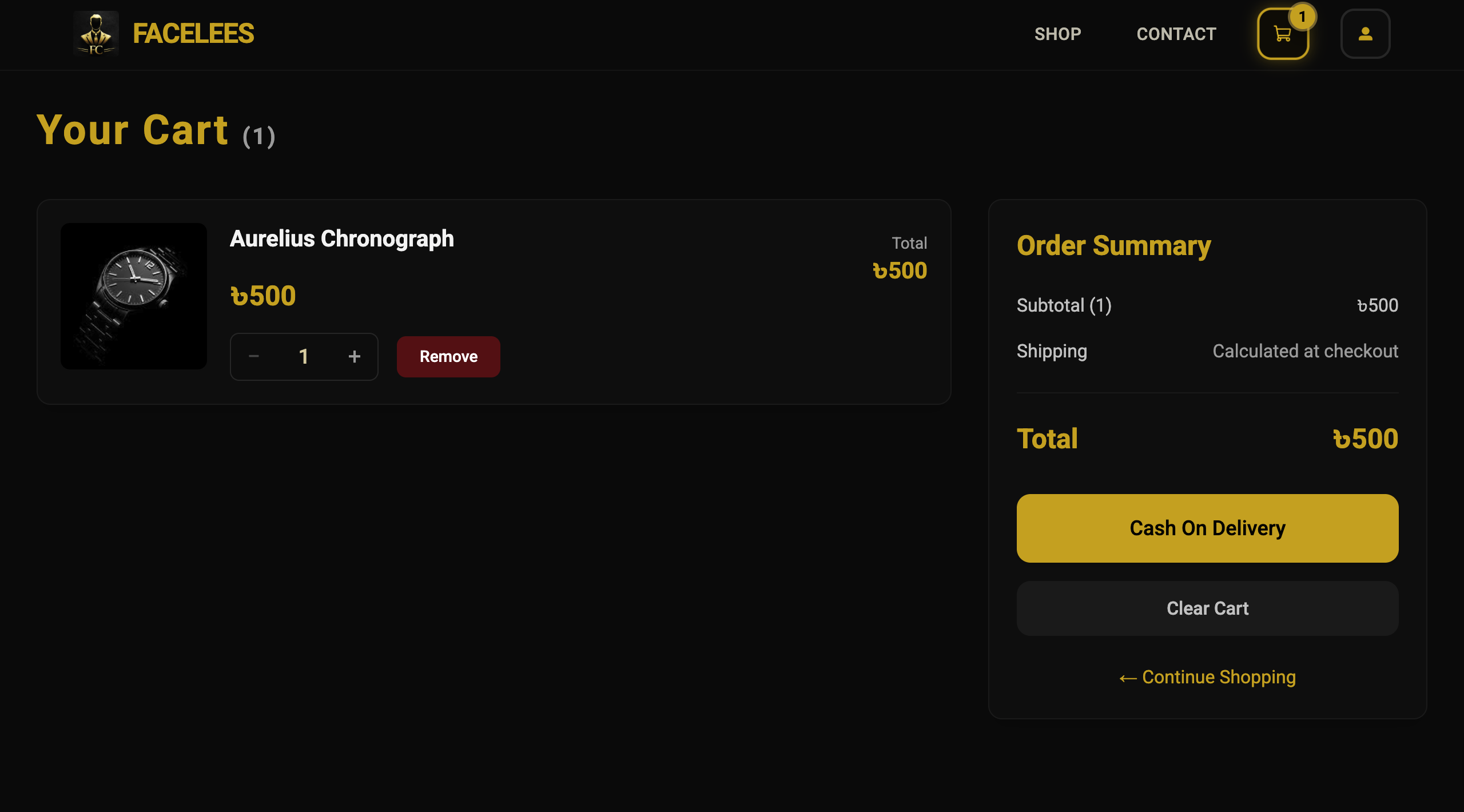
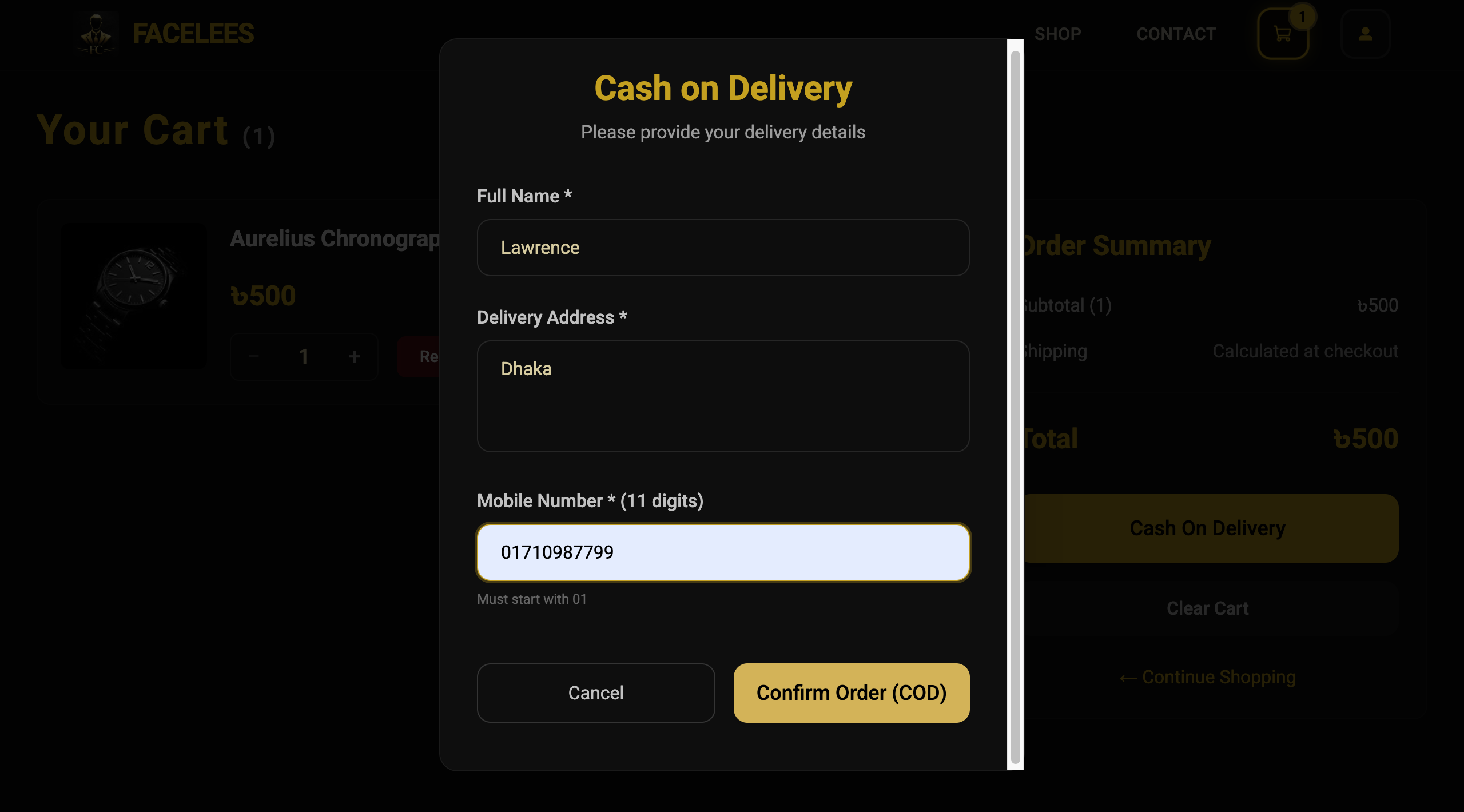
Shoppers can add products to their cart, adjust quantities, and remove items freely, with the total updating instantly, discounts included. Checking out is simple — a clean pop-up collects delivery details for a cash-on-delivery order, with careful validation so nothing gets missed.
Once an order goes through, the cart clears itself, an order number is generated, and the customer gets a confirmation with the option to view their order.
- Update quantities instantly with simple plus/minus controls
- Remove items with a quick confirmation to avoid mistakes
- An accurate running total that accounts for every item's discount
- A checkout form collecting name, address, and a validated phone number
- Phone numbers are checked against the correct local format before submitting
- A clear order confirmation summary once checkout succeeds
- Easy options to keep shopping or clear the cart
- A clean two-column layout on larger screens
Admin Product Catalog Management
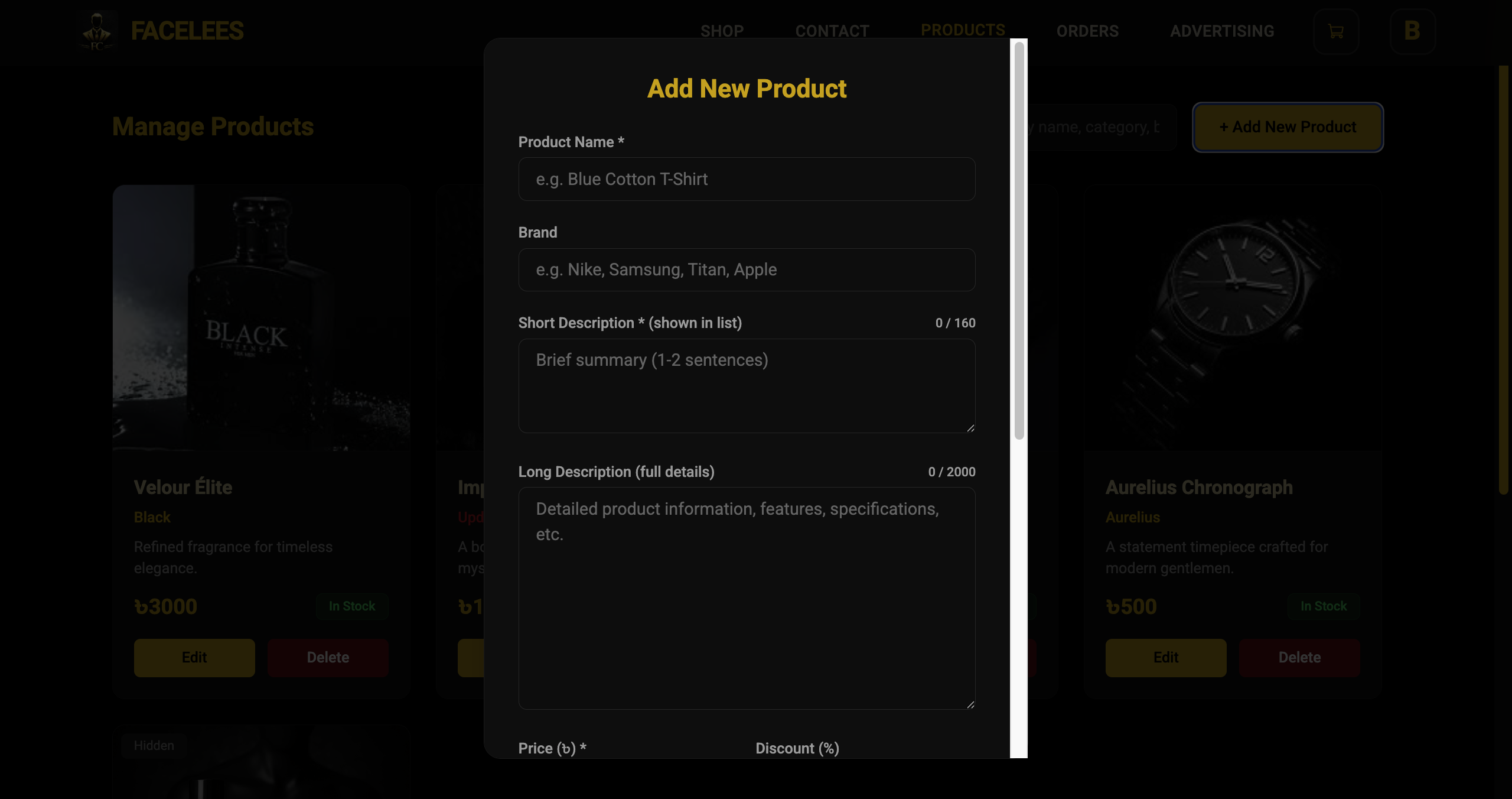
A full toolkit for managing everything in the store. The owner can add new products with photos, edit any detail — description, brand, pricing — toggle whether something's in stock or visible, and remove products safely.
It also guards against accidental duplicates, keeps descriptions a sensible length, supports up to 500 products, and makes everything easy to find with a proper search.
- Add, edit, and remove products, with the interface updating instantly
- Upload product photos with a live preview before saving
- One description field that's automatically split into a short teaser, full details, and brand name
- Simple toggles for in-stock and visible status, with clear indicators
- Categories are kept consistent automatically
- Search products by name, category, brand, or description
- Supports up to 500 products in the catalog
- A clean, responsive grid with subtle hover effects
Admin Hero Banner & Branding Control
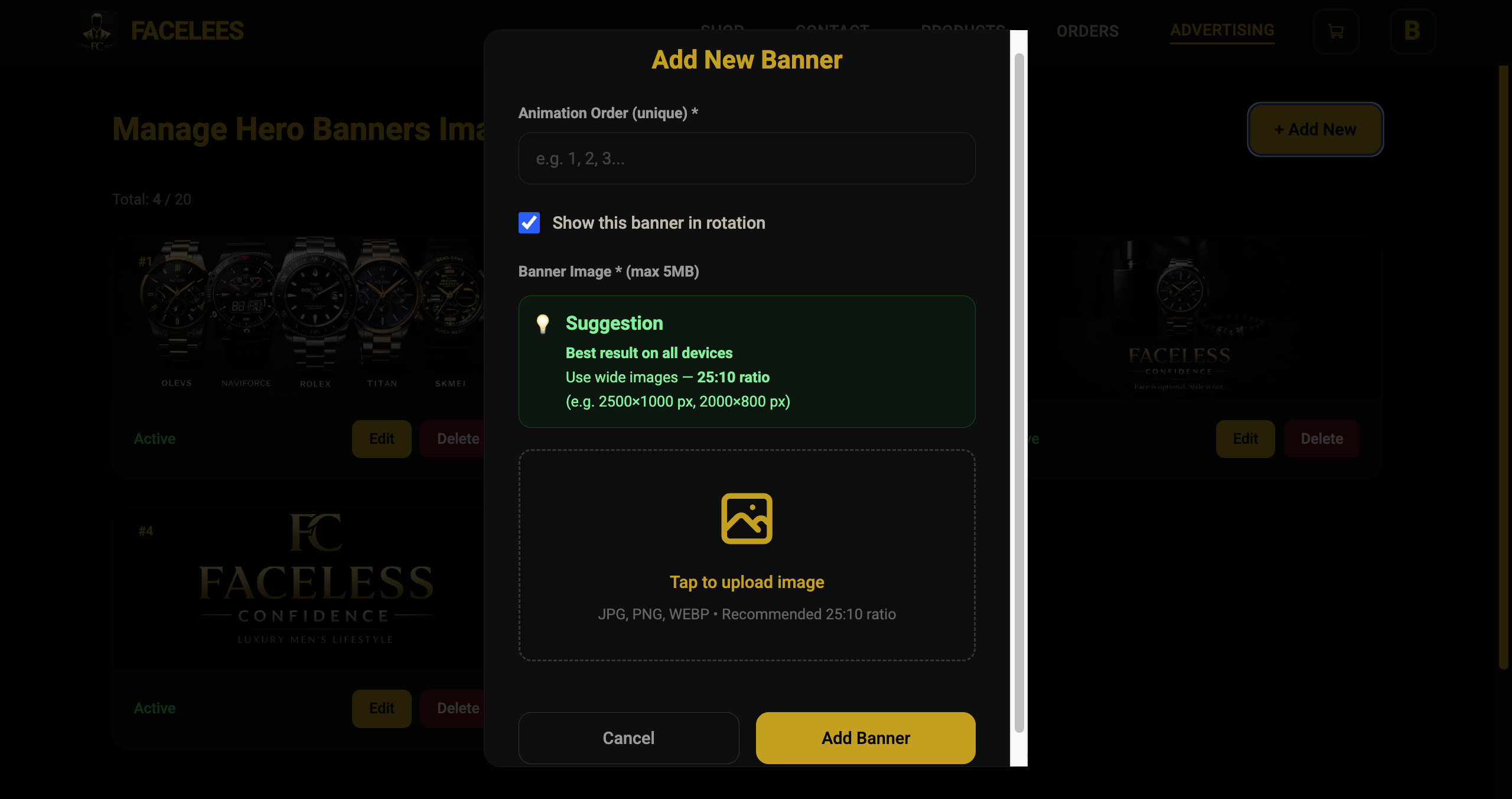
A dedicated space for managing the rotating banners on the homepage. The owner can upload new wide banner images, choose the order they appear in, show or hide them, and edit or remove them at any time.
It supports up to 20 banners at once and gives sizing guidance so every image displays properly on any device.
- Add, edit, or delete banners with image upload
- Set exactly which banner shows first and in what order
- Show or hide any banner with a simple toggle
- Preview an image before saving, or remove it entirely
- Supports up to 20 banners, with a warning if you hit the limit
- Banners display in exactly the order chosen
- Clean banner cards with controls right where you need them
Admin Order Dashboard & Status Management
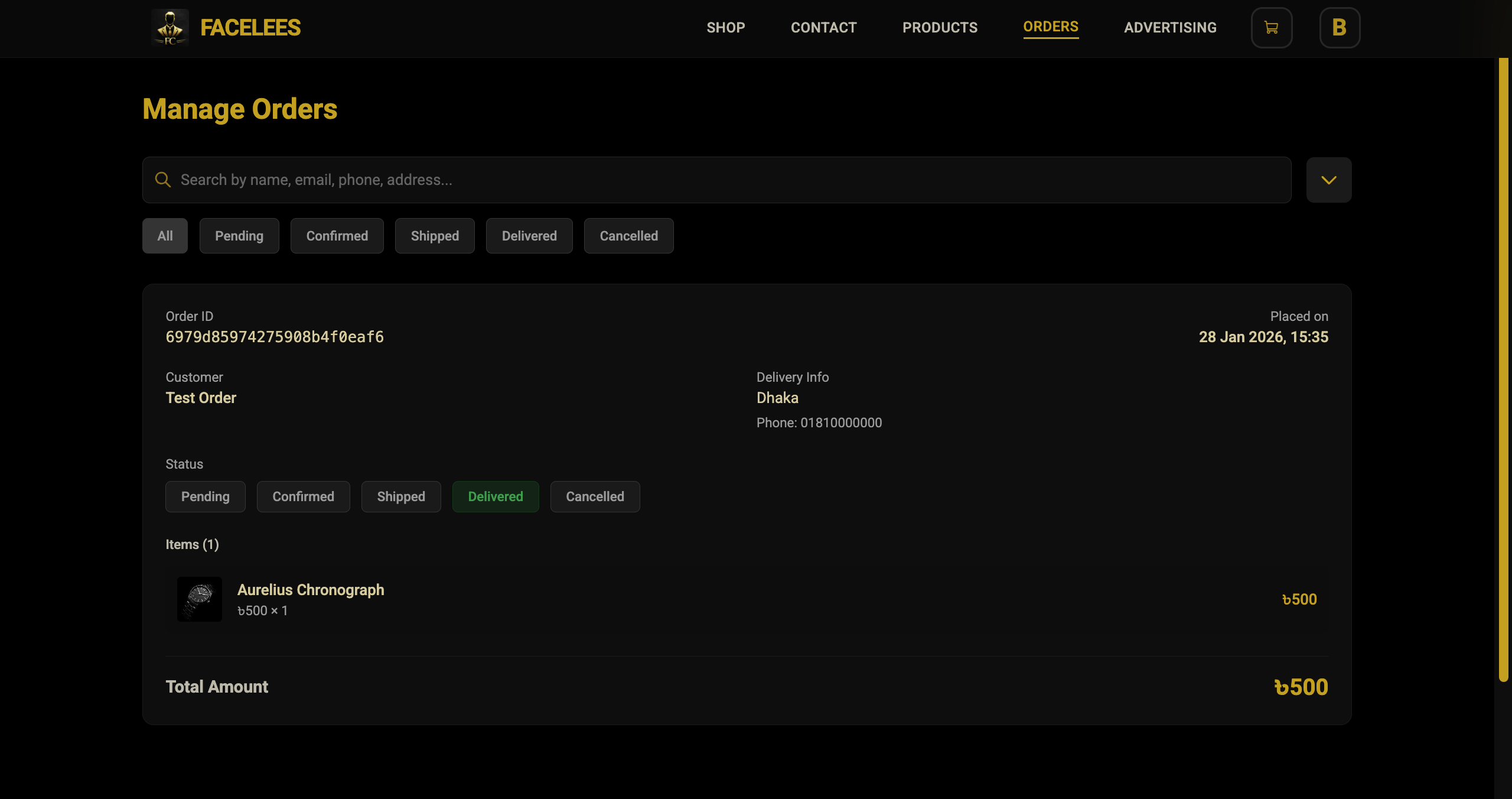
A complete overview of every order that's come in, with filtering by status — pending, confirmed, shipped, delivered, or cancelled — plus search and sorting by date, so nothing slips through the cracks.
Every order shows the customer's details, the full list of items with prices, and the total, with one click to move an order along to its next status.
- A full order list that updates status in real time
- Filter by status or search by keyword
- Sort orders newest or oldest first
- A detailed view of customer info, items ordered, and the total
- One-click status updates with clear visual feedback
- Color-coded status badges that make order state easy to scan
- Safely handles failed updates so nothing gets left in a bad state
Admin Personal Profile & Security
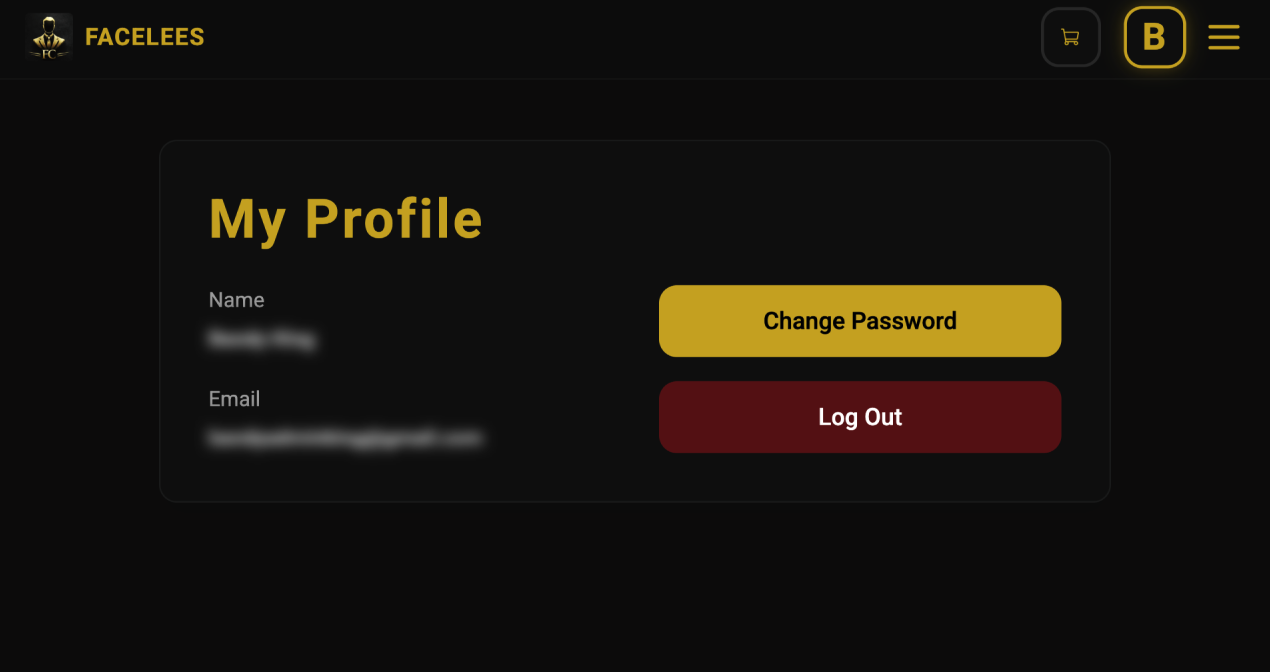
A simple profile page for the owner, showing their name and email, with a quick way to change their password and log out securely.
It keeps account management straightforward without exposing anything that isn't needed.
- Shows the admin's name and email
- A direct link to change password
- Logout with a confirmation step to prevent accidents
- Matches the same dark, gold-accented look as the rest of the site
- A clean two-column layout on larger screens
Technical Implementation & Optimizations
Under the hood, the whole site is built with Next.js and TypeScript for a solid, maintainable foundation, styled with a consistent dark, gold-accented look. Every product, banner, and order lives in a MongoDB database, kept fast and reliable.
Cloudflare handles the security and speed side — caching, protection against attacks, and fast delivery anywhere in the world. On top of that, the admin area stays locked down, the interface updates instantly, and the whole site is built to work smoothly on any device.
- Built end-to-end with Next.js and TypeScript
- A responsive dark theme with gold branding throughout
- MongoDB stores products, orders, and banner images
- Cloudflare delivers speed, security, and reliability worldwide
- Admin tools are locked to approved accounts only
- The cart updates instantly as customers shop
- Interface updates instantly, with safe fallback if something fails
- Image uploads are checked and previewed before saving
- Designed to work great on mobile first, and everywhere else too