My Daily Routine
My Daily Routine is a full productivity app that helps people plan their week, build better habits, and actually see whether they're sticking to it. You lay out your days on a drag-and-drop weekly timeline, or describe what you want and let an AI assistant draft and refine a routine for you. Longer-term goals live alongside your daily schedule, and a full stats dashboard shows your streaks, trends, and patterns over time. Sign in with Google or email, and go premium for the AI features and unlimited routines. Built with Next.js, React, and MongoDB, and live at mydailyroutine.app.
Technology Stack
 Next.js 16
 React 19.2
 TypeScript
 JavaScript
 Tailwind CSS
 MongoDB
 Redux Toolkit
 Framer Motion
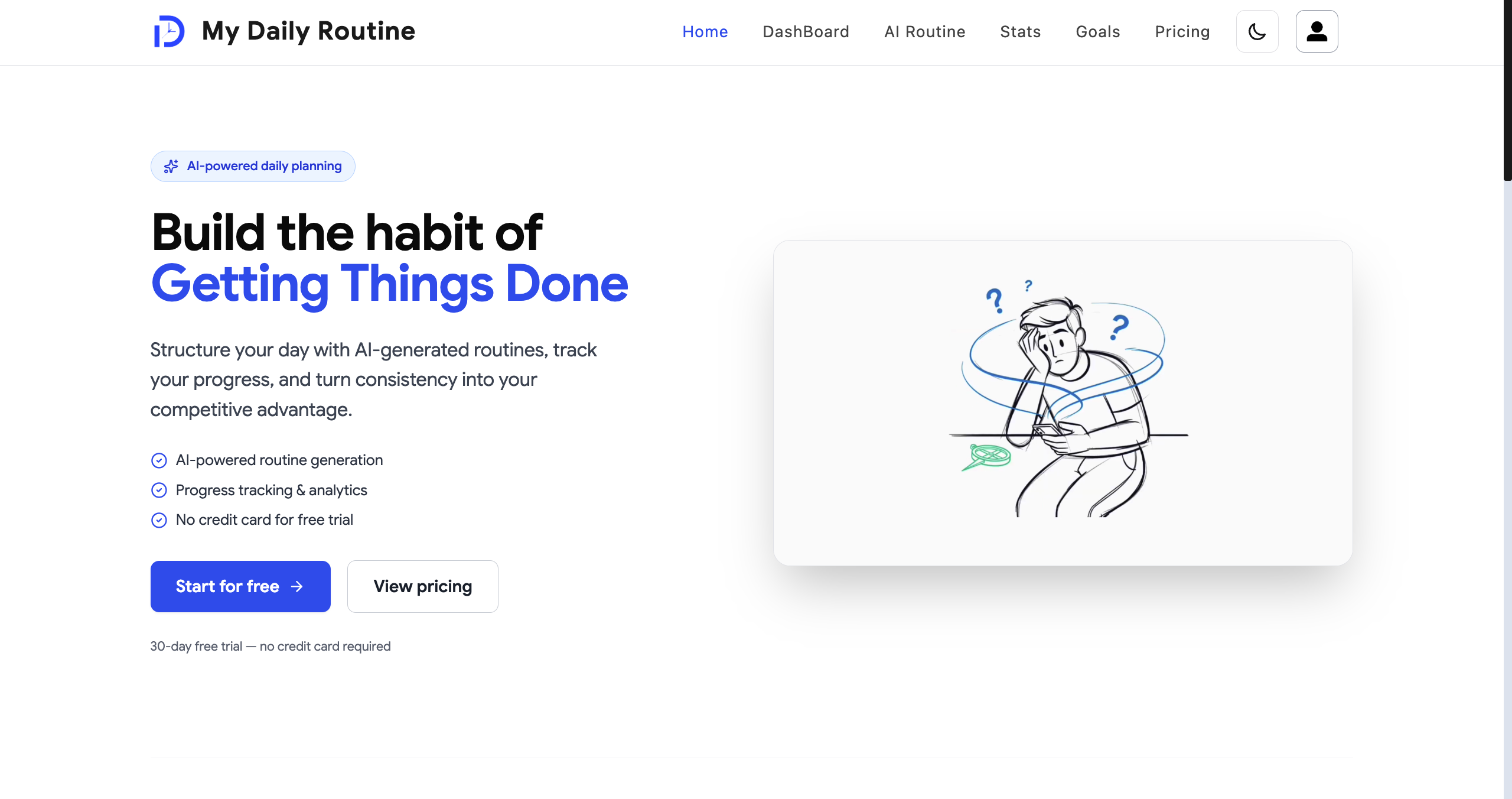
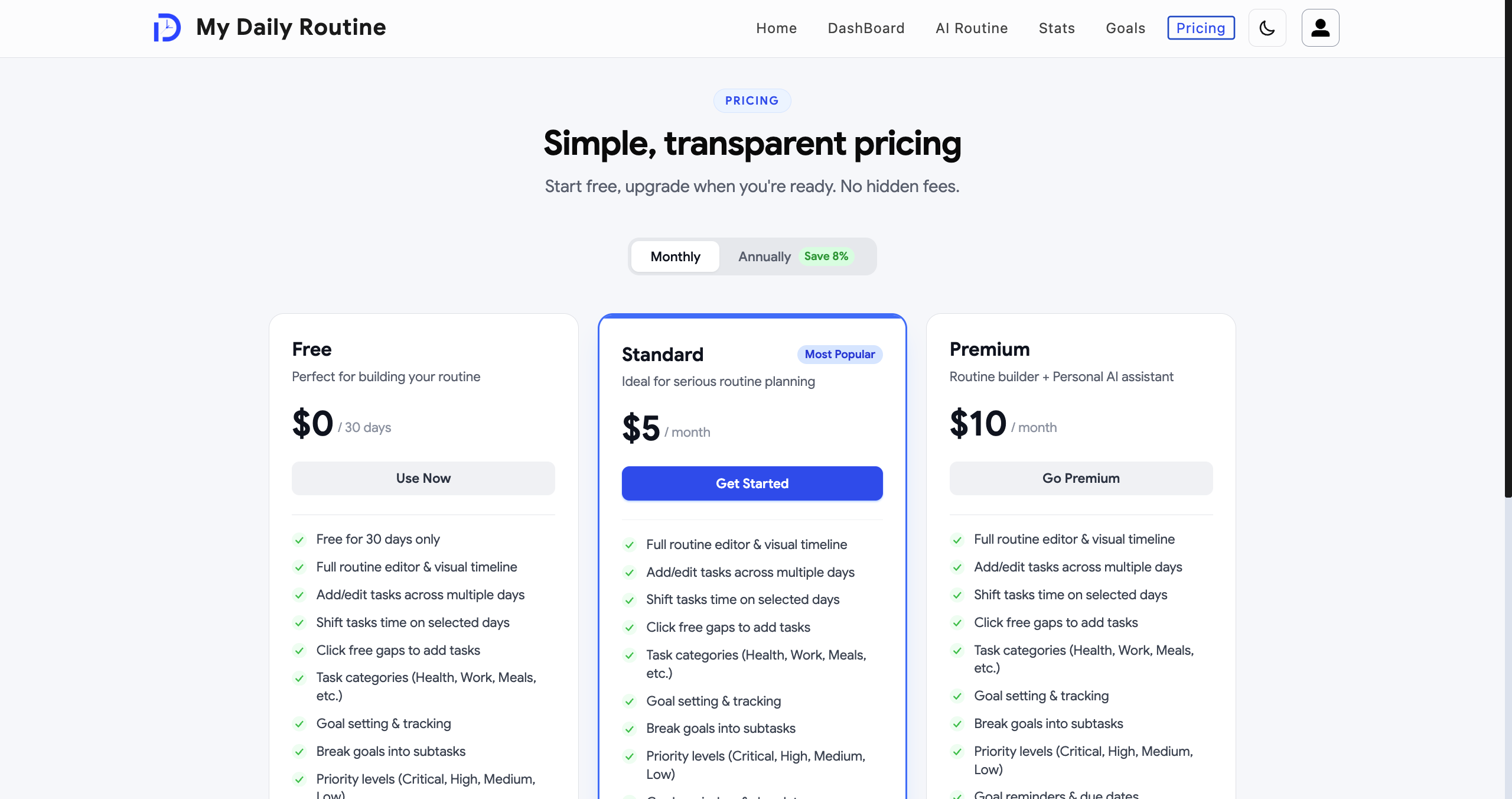
Landing Page & Pricing
A proper marketing site greets first-time visitors — a landing page, pricing, testimonials, and all the legal pages a real paid product needs.
It's fully optimized for search engines, works well on any device, and supports both light and dark mode.
Smooth animations throughout give it a polished, premium feel without slowing anything down.
- Animated landing page with a clear path to sign up or try it
- Dedicated pricing, testimonials, and legal pages
- Fully responsive, with light and dark mode
- Polished animations and micro-interactions throughout
Sign In Your Way
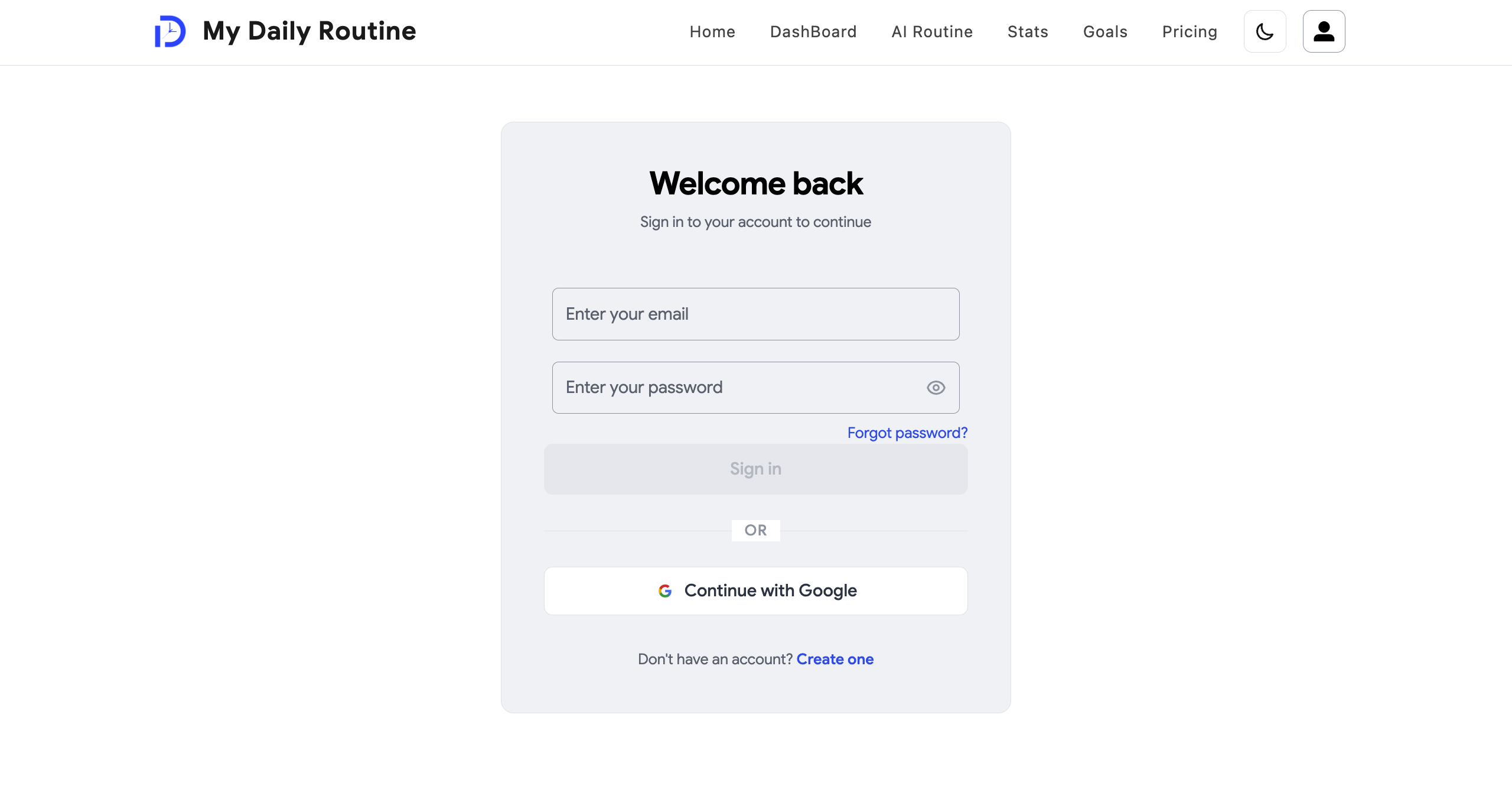
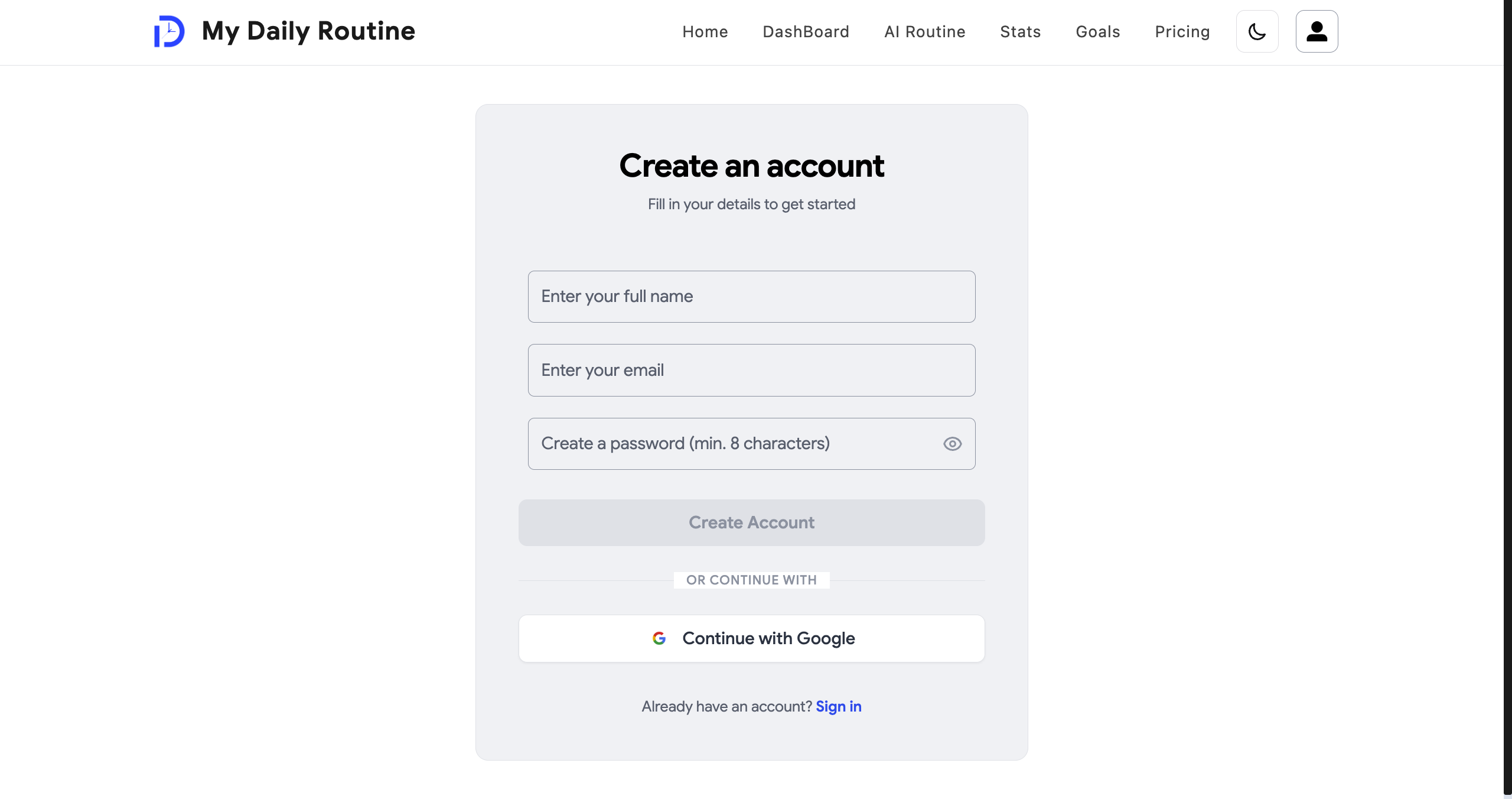
You can sign in with Google in one click, or create an account with just your email and password — whichever you prefer.
Every part of the app that needs you to be signed in is protected automatically, and if you try to access something without being logged in, you're sent straight to the login page.
Behind the scenes, the app always double-checks who's actually making a request, rather than trusting anything sent from the browser — so your data stays yours.
- Sign in with Google, or with your own email and password
- Passwords are securely encrypted, never stored as plain text
- Every protected page checks you're really logged in
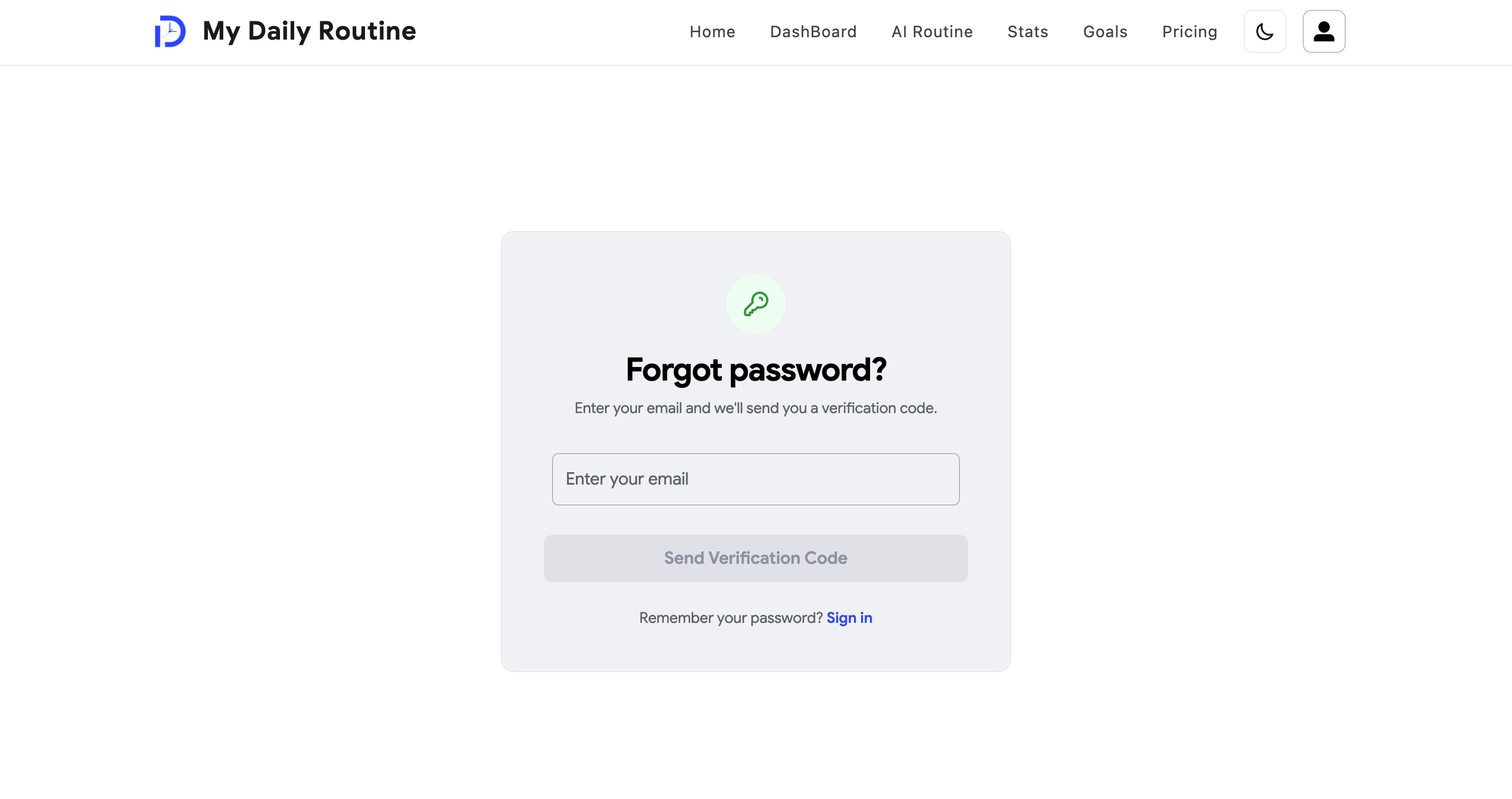
- A full forgot-password and reset flow if you ever get locked out
Email Verification & Account Cleanup
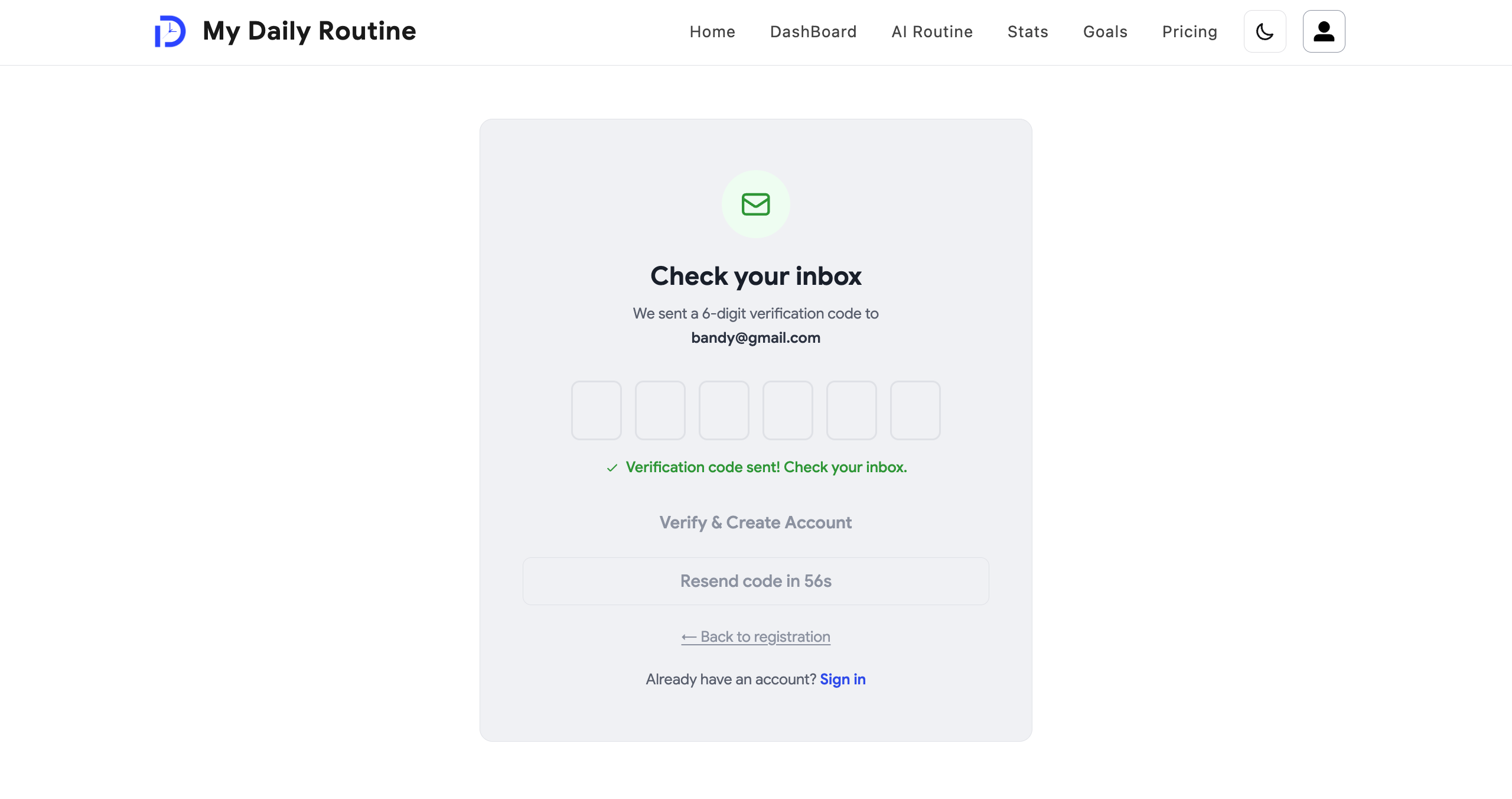
New accounts are verified with a one-time code sent straight to your email, so every account on the platform is a real one.
Unverified accounts that never get confirmed are automatically cleaned up after 30 days, keeping things tidy behind the scenes.
The same email system also sends your welcome message and handles password resets.
- One-time verification code sent by email on signup
- Codes expire and are protected against repeated guessing
- Unverified accounts are cleaned up automatically after 30 days
- Welcome and password-reset emails sent the same way
Your Weekly Timeline
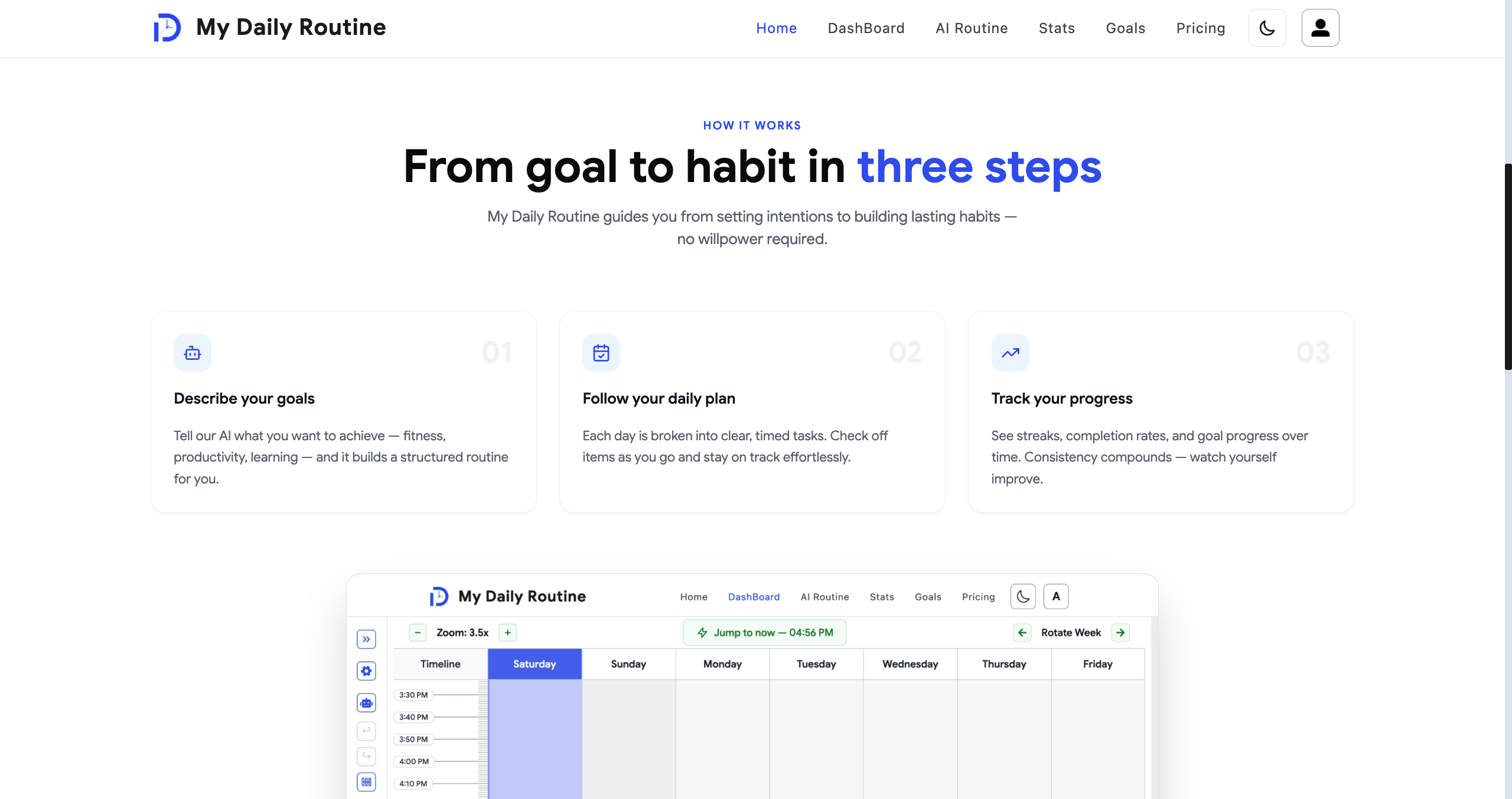
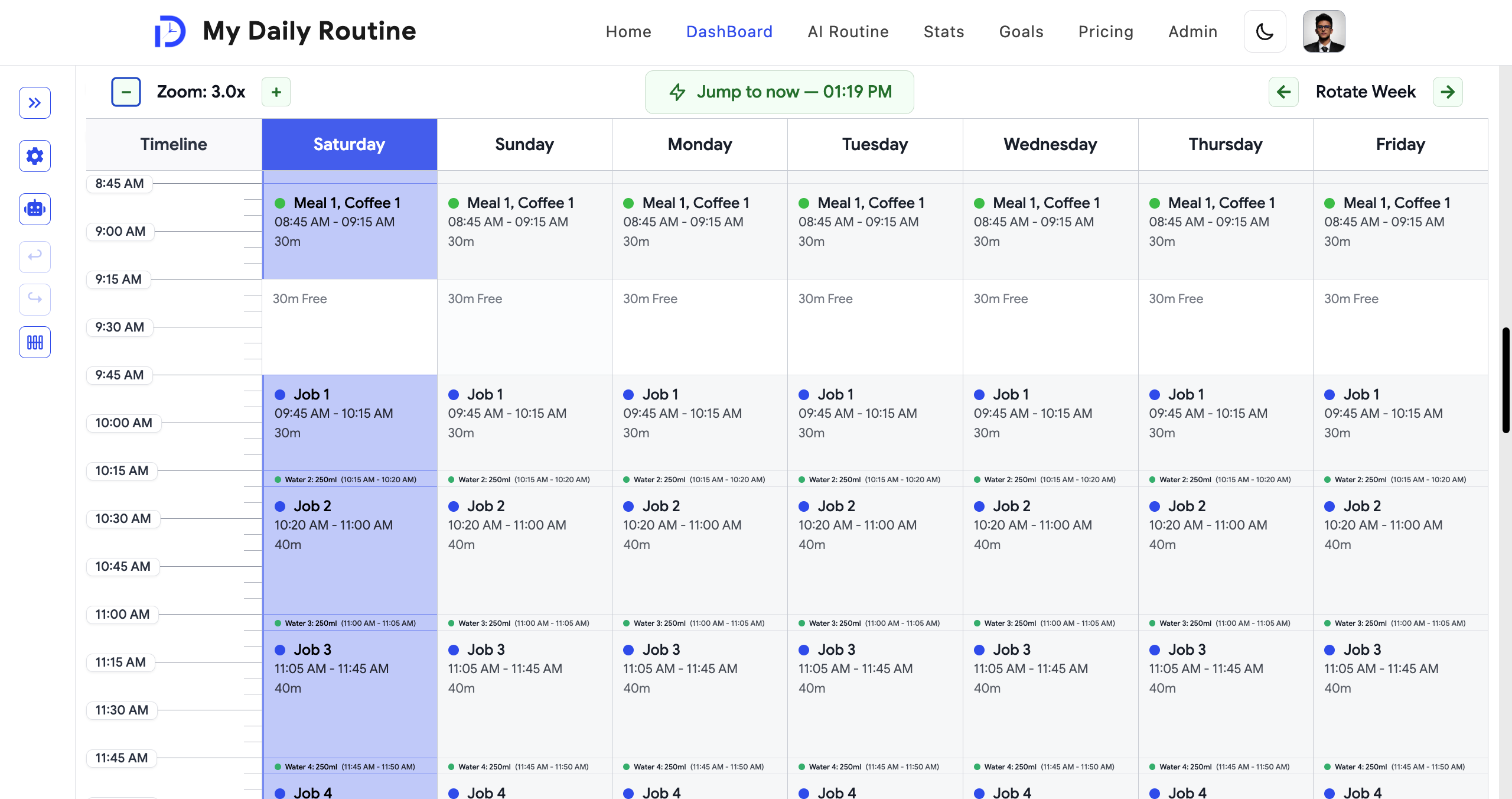
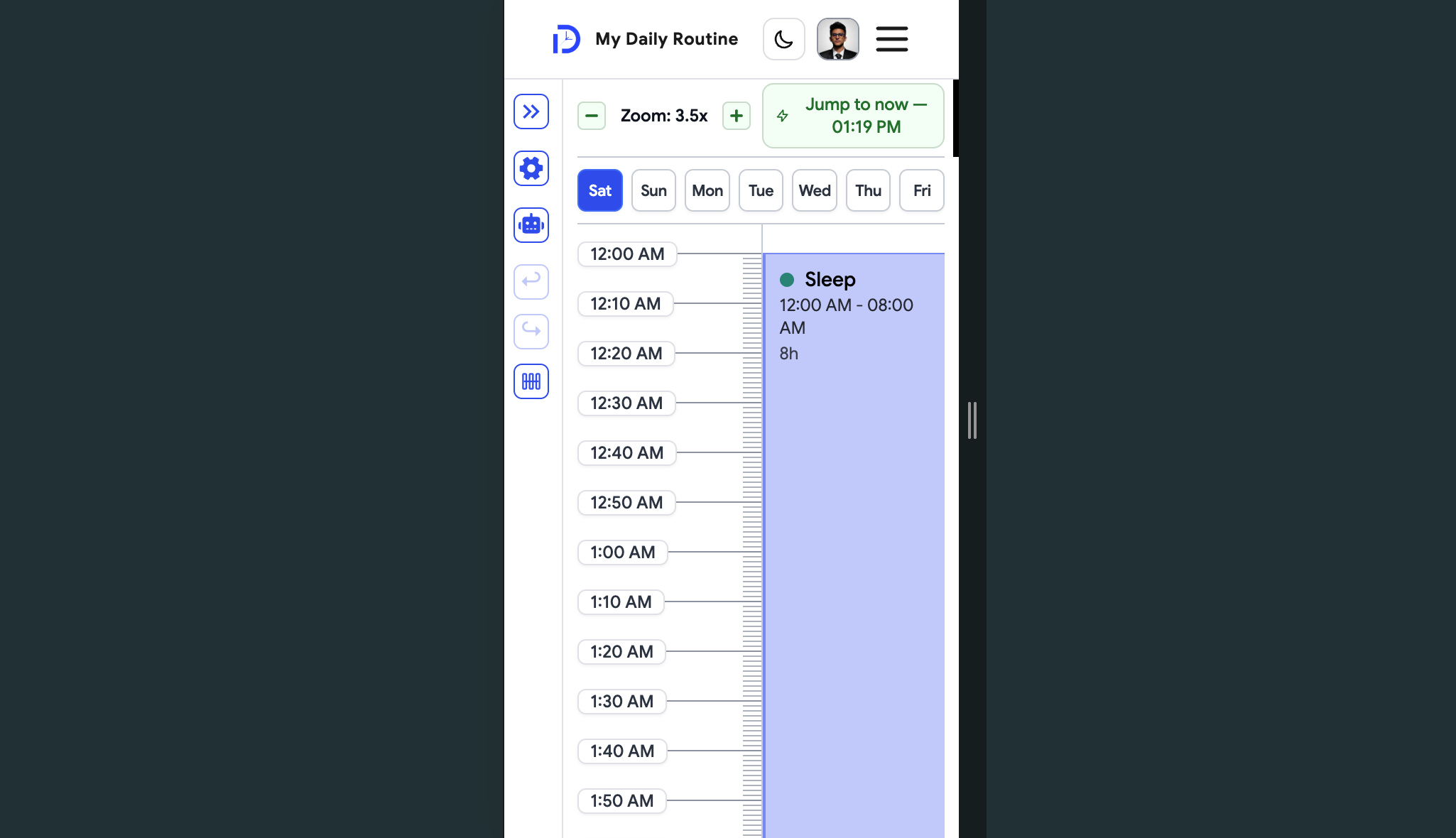
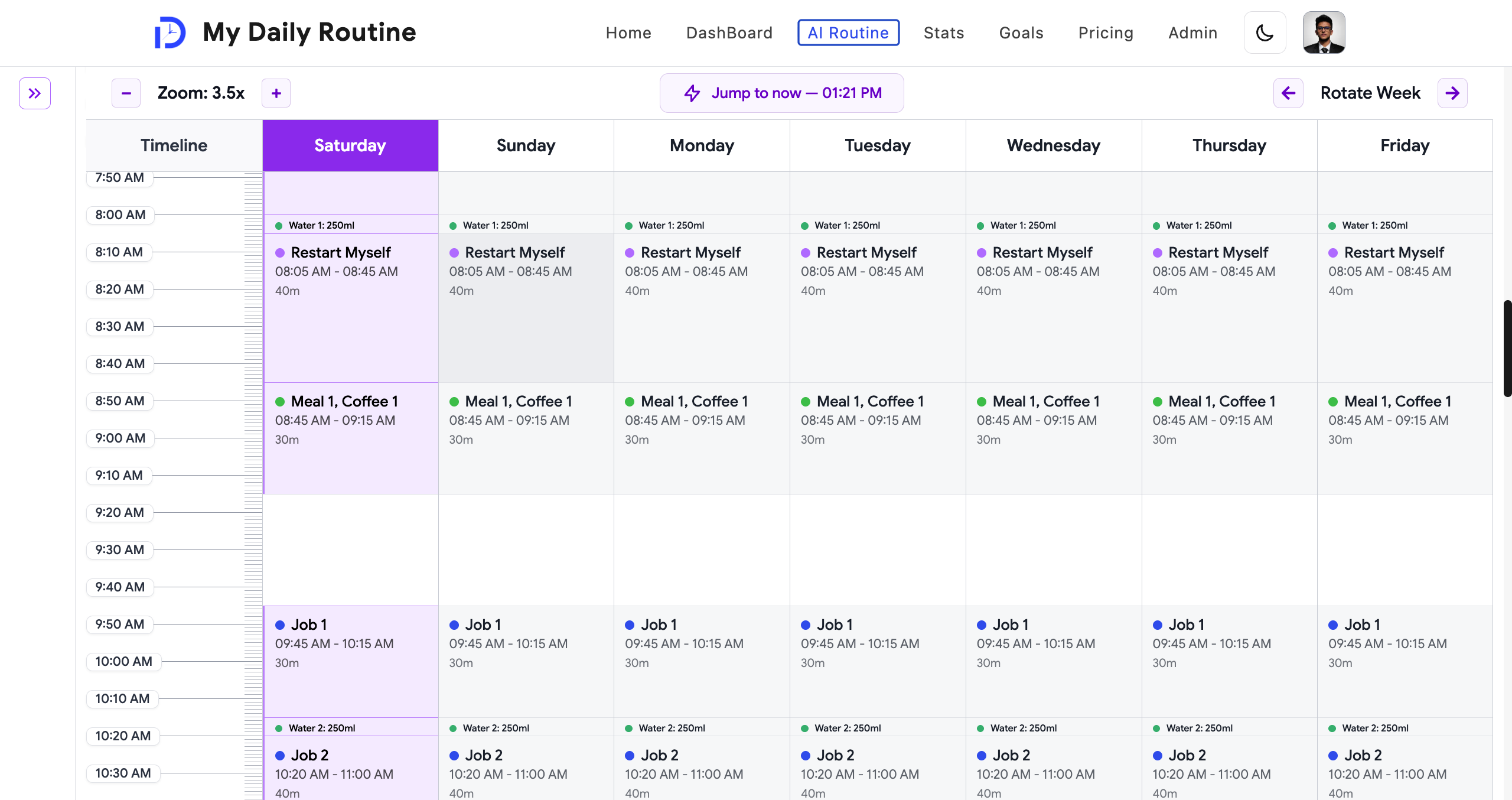
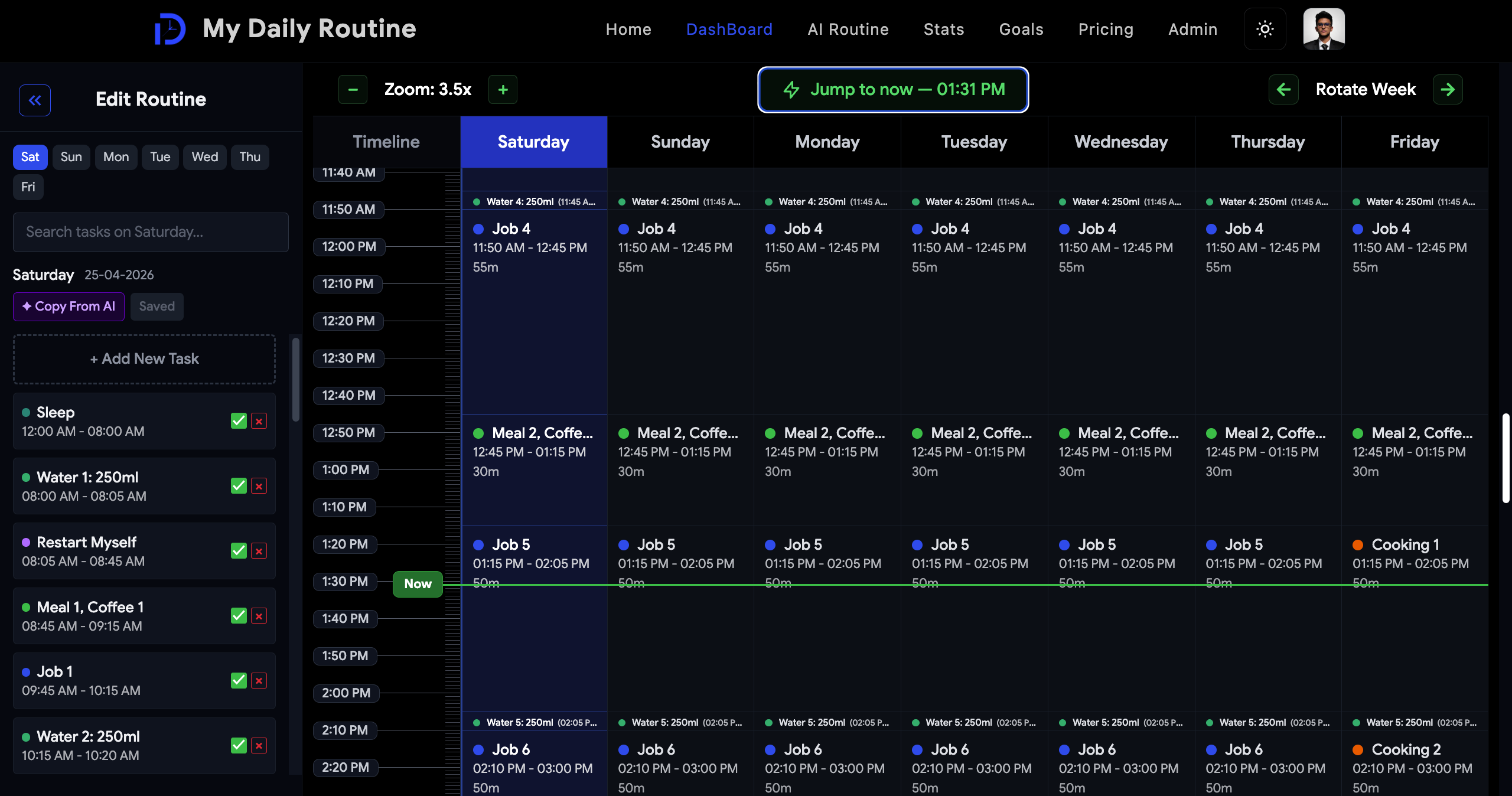
The dashboard is where your whole week lives — all seven days laid out side by side, with a live line showing exactly where you are right now.
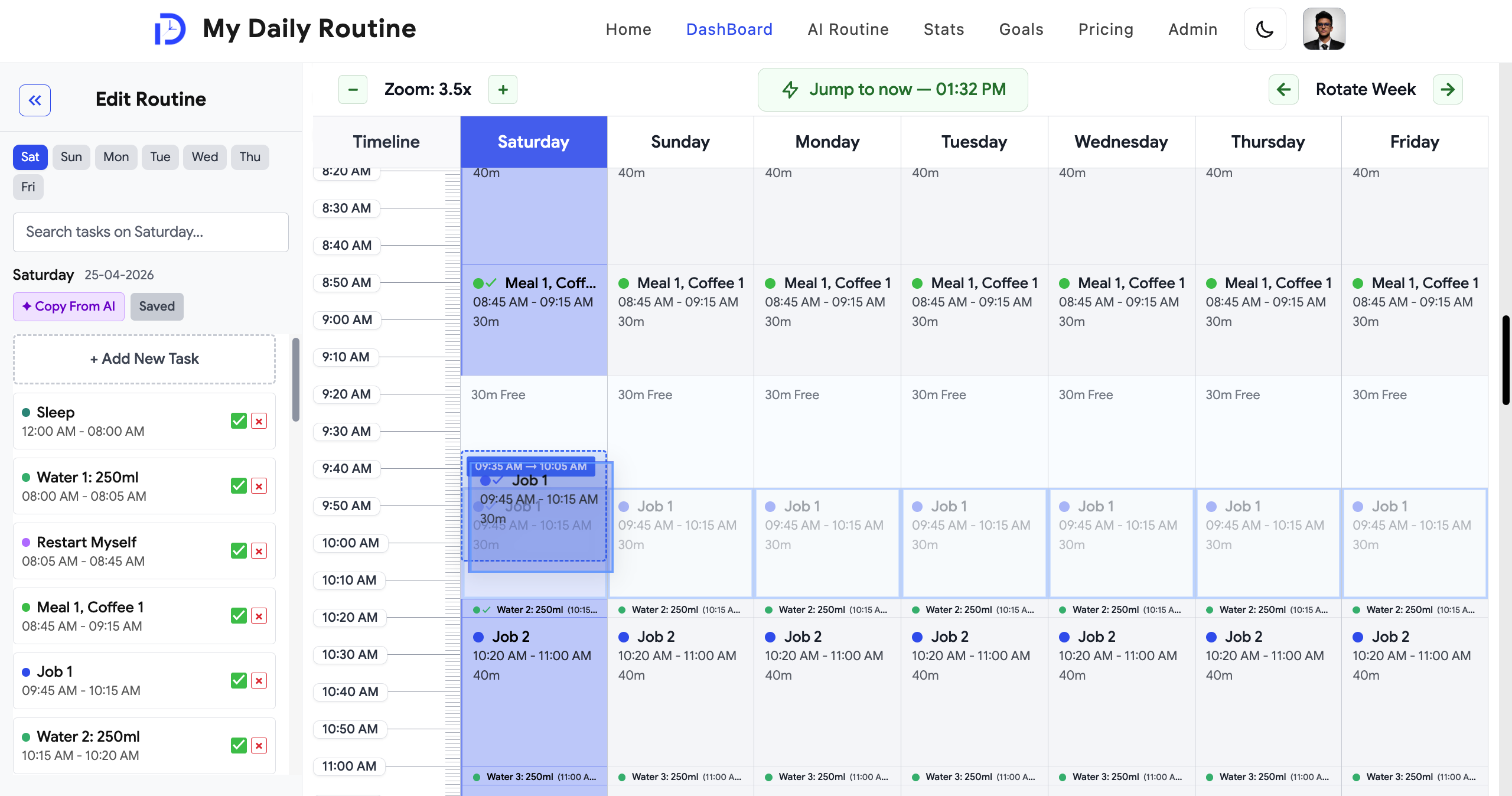
Just drag any task to move it — up, down, or to a different day — and drop it exactly where you want it. Need to shift the same task across the whole week? One "sync" mode moves it everywhere at once.
Every task has its own category, time, and color, so your week is easy to read at a glance. Zoom in for detail, jump back to the current moment, and undo anything with a keystroke.
When a task is about to start, you get a gentle sound and reminder — with a one-tap way to mark it done.
- All seven days laid out together, with a live "now" marker
- Drag and drop to reschedule anything, instantly
- Shift a repeating task across every day it appears, in one move
- Zoom, jump-to-now, and undo/redo for fast editing
- A gentle reminder chime when a task is about to start
Editing Made Easy
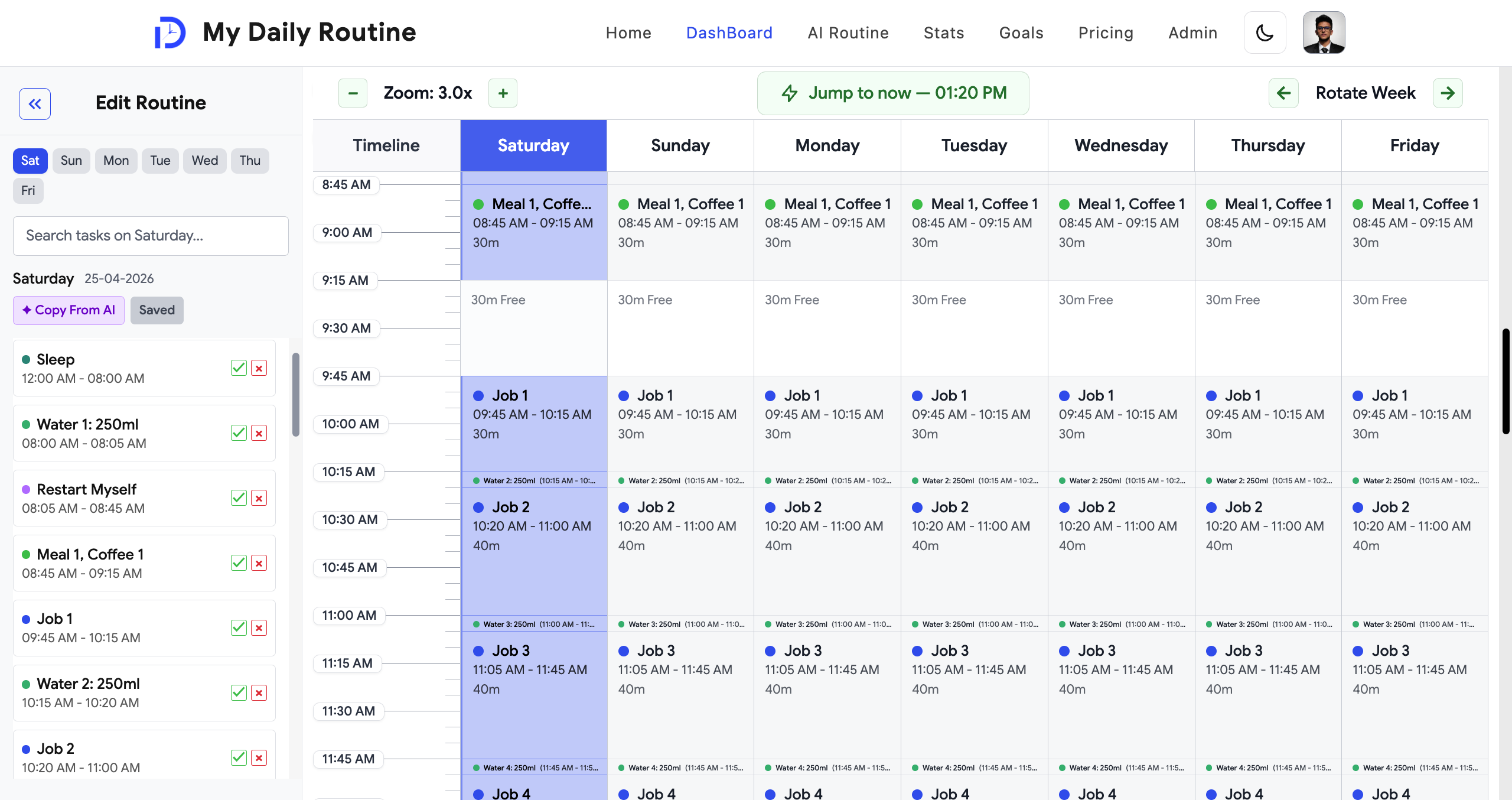
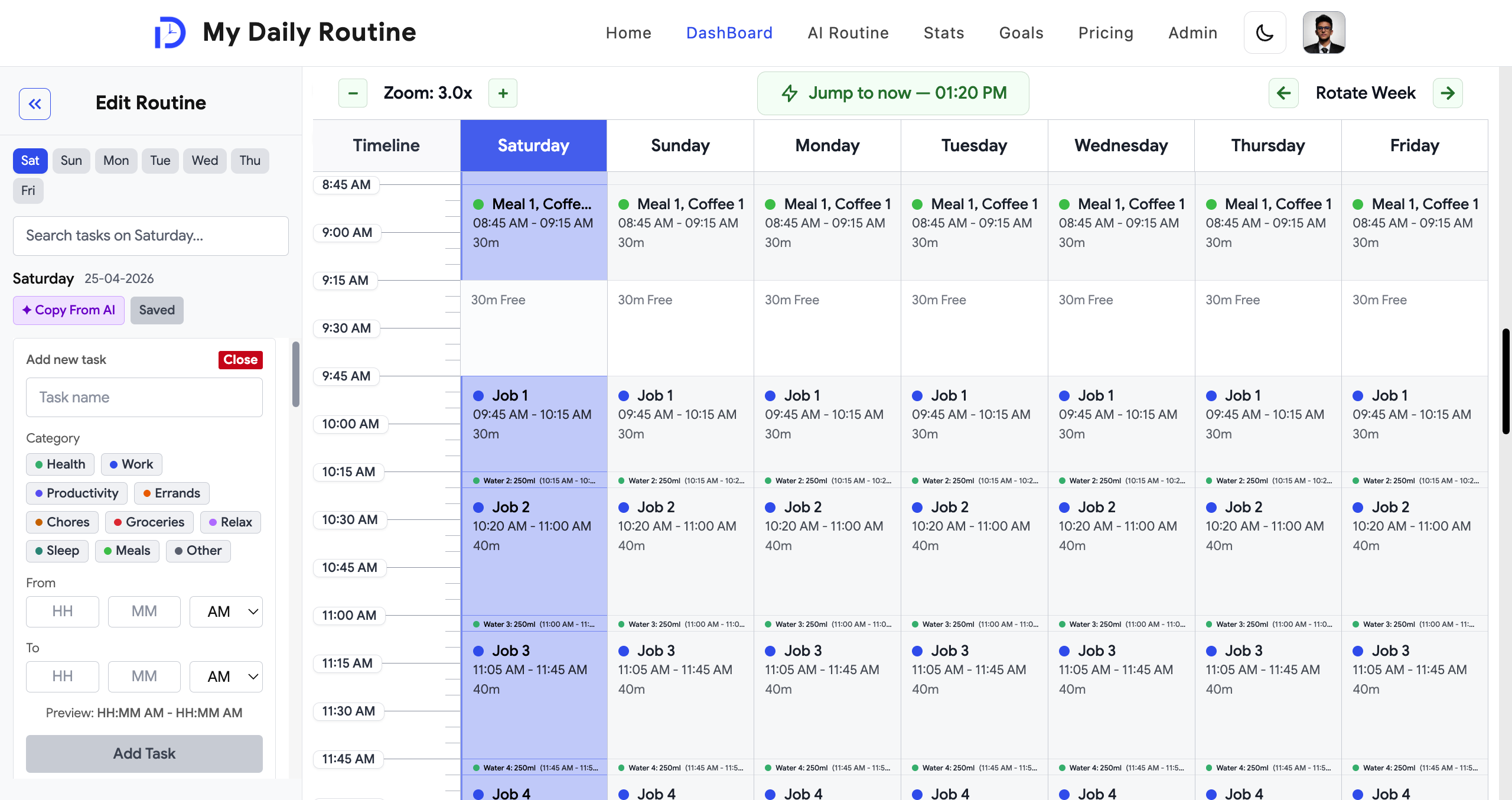
Click any task to open a simple editor — rename it, change its category or time, and apply the change to just today or to several days at once.
You can add the same task to multiple days in one go, remove it everywhere at once, or even swap the time slots of two tasks directly.
The app quietly checks for scheduling conflicts and duplicate names as you go, so your week always stays realistic.
- Edit a task's name, category, or time in one place
- Apply changes to one day, several days, or the whole week
- Swap two tasks' time slots in a single move
- Automatic conflict and duplicate checking as you edit
Build a Routine by Chatting with AI
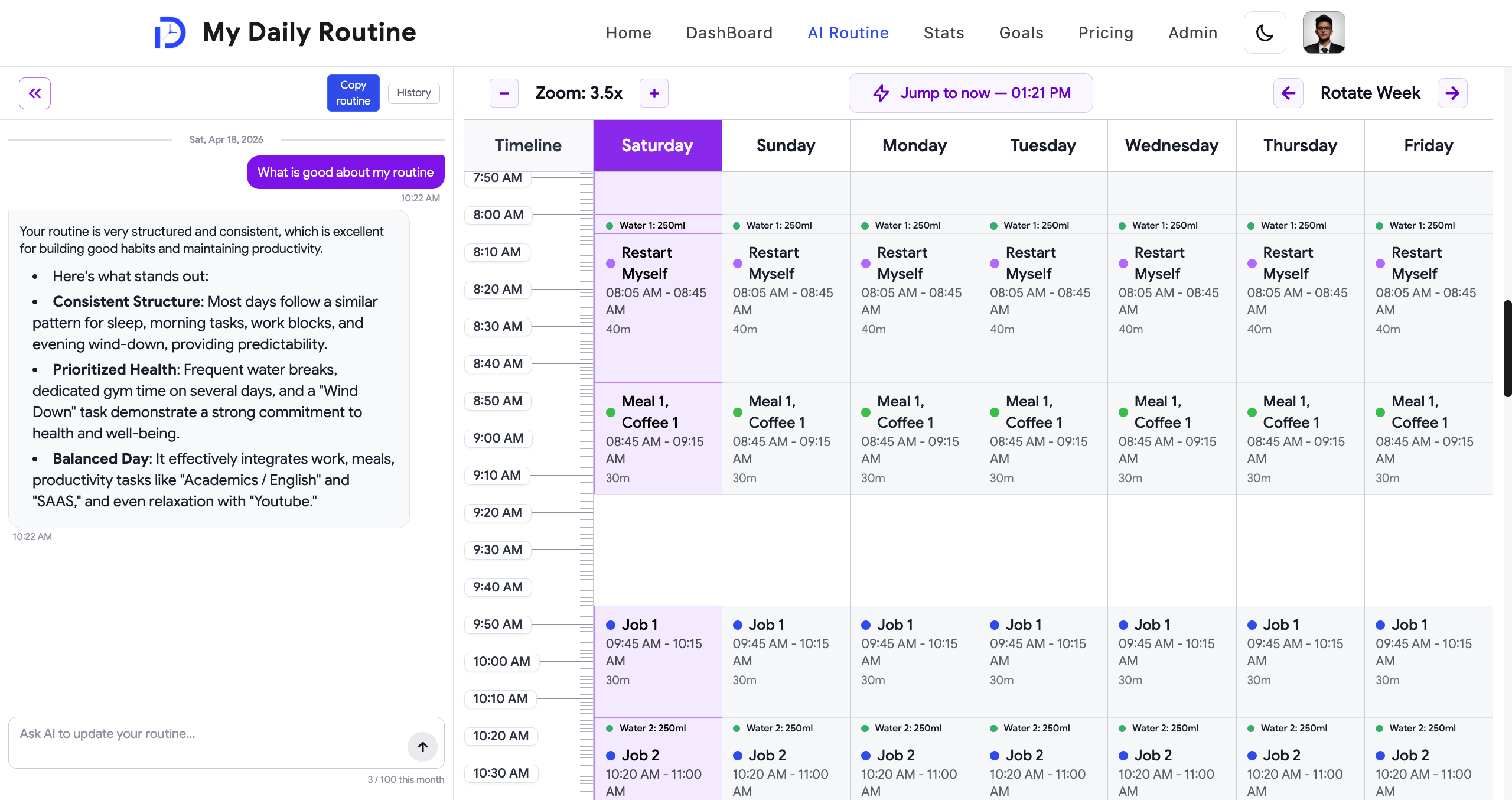
For premium members, an AI assistant helps you plan your week just by talking to it — describe what you want your days to look like, and it drafts a routine based on your actual schedule and goals.
The conversation is saved, so you can keep refining the plan over time. When you're happy with what the AI has built, one click copies it straight into your real routine.
- Chat naturally to build or adjust your weekly routine
- Suggestions are grounded in your real schedule, not generic advice
- Your conversation is saved so you can keep refining it
- One click copies the AI's plan into your actual routine
Track Your Bigger Goals
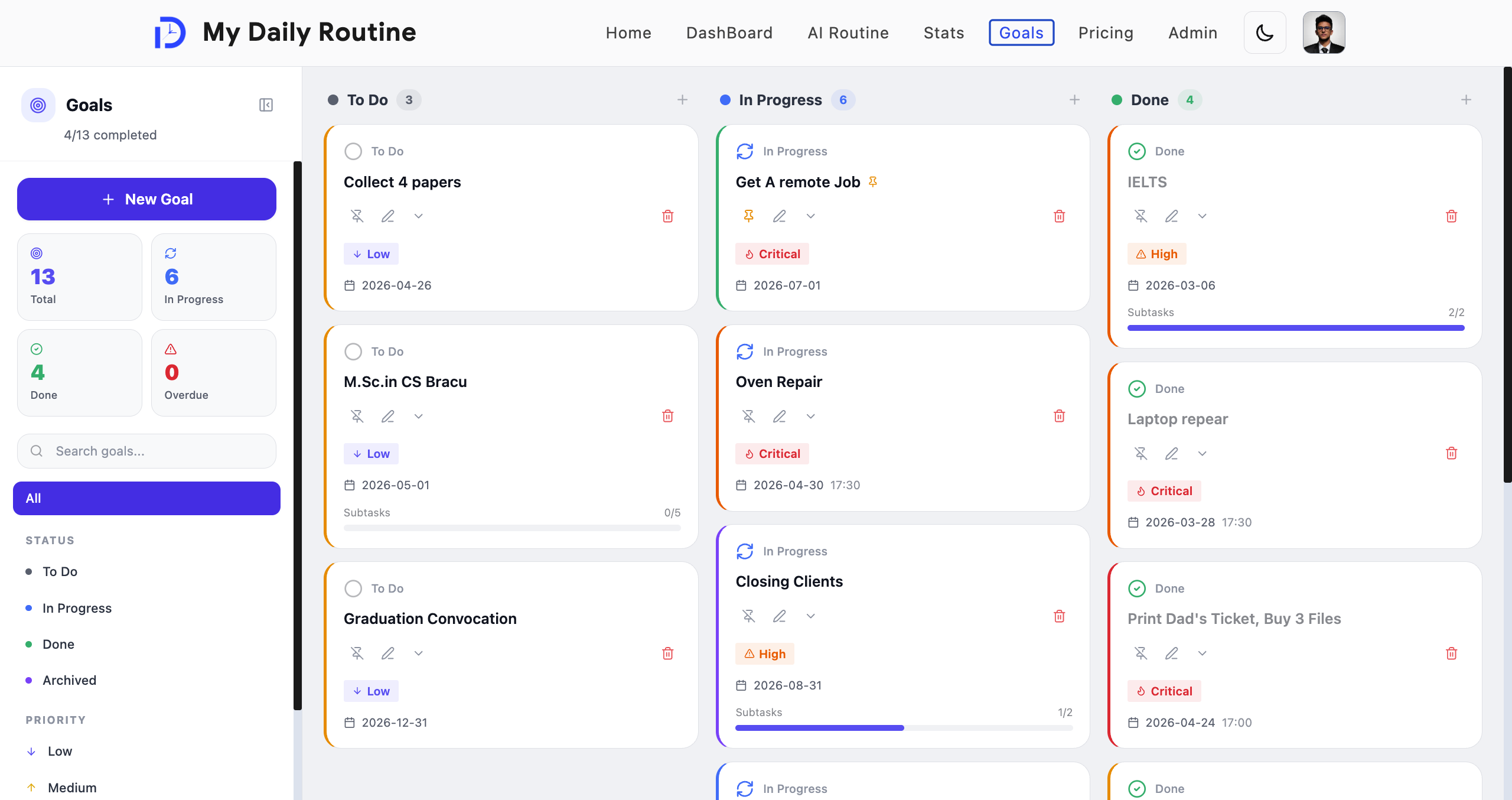
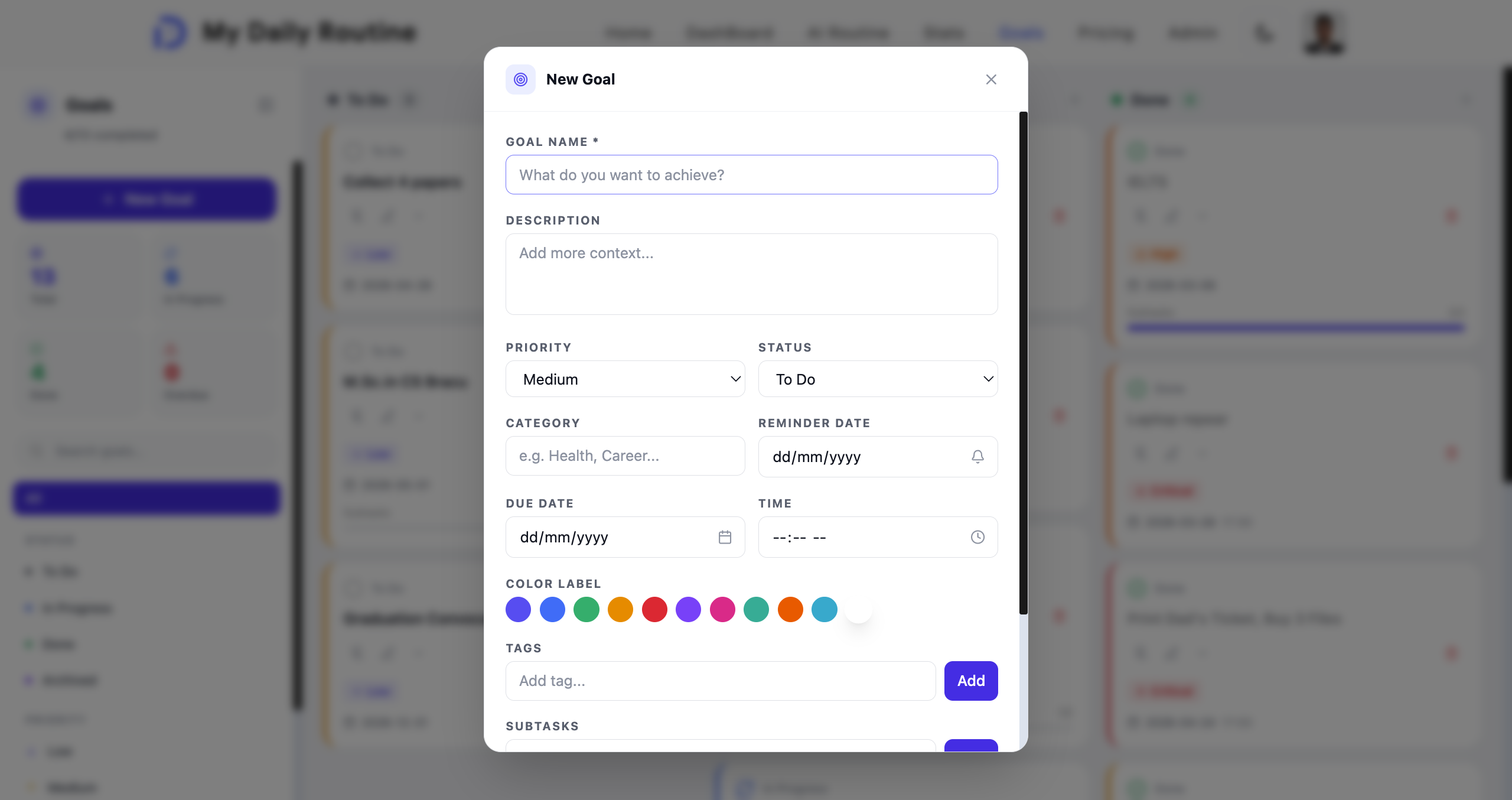
Alongside your daily schedule, you can set longer-term goals — with a priority, due date, subtasks, and reminders — and track them from to-do through to done.
Goals with a specific time show up right on your weekly timeline, so your big-picture ambitions and your day-to-day schedule always stay connected.
- Set goals with priority, due dates, subtasks, and reminders
- Track progress from to-do, to in progress, to done
- Pin your most important goals to keep them visible
- Time-based goals appear directly on your weekly timeline
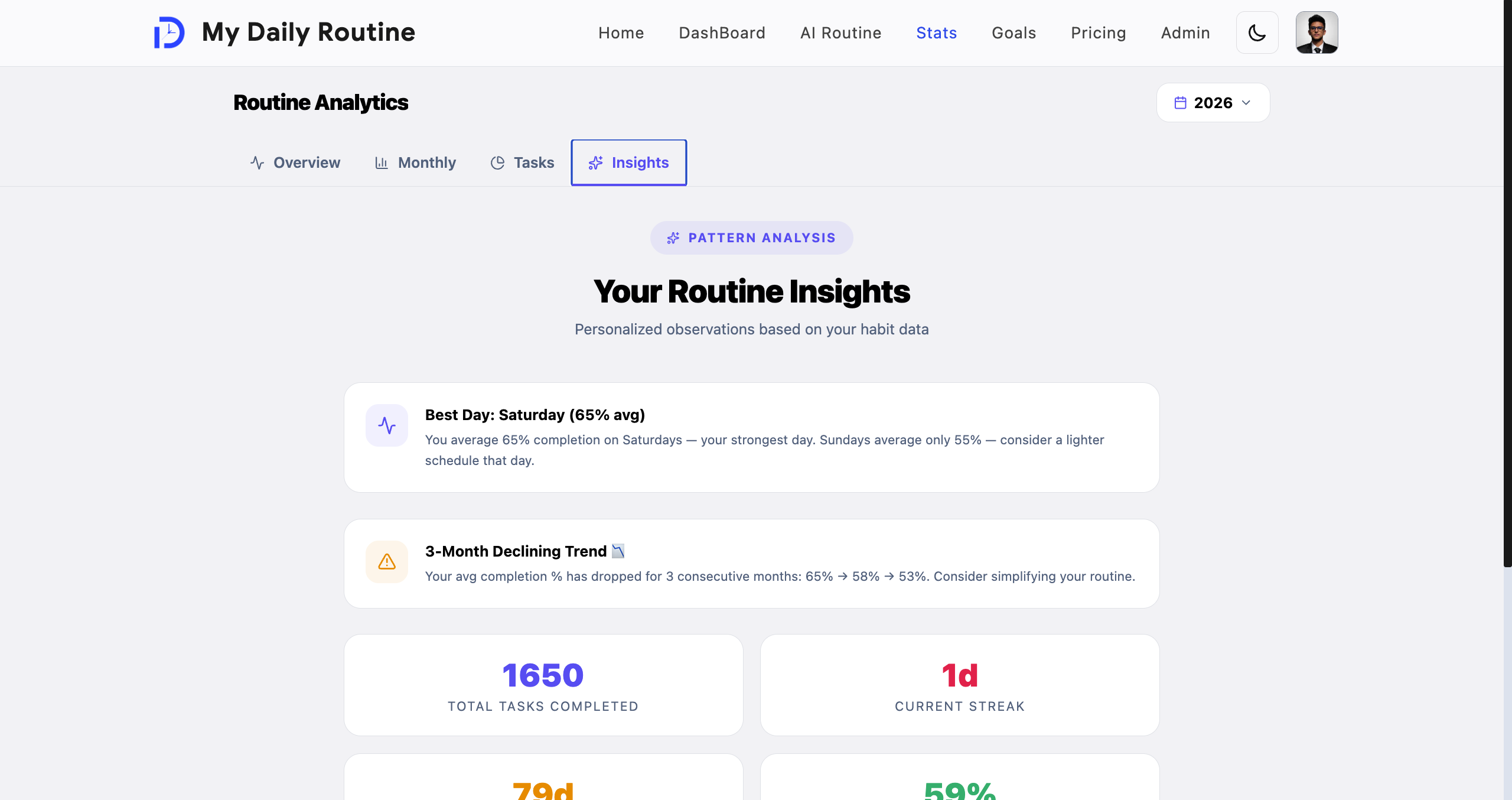
See Your Progress
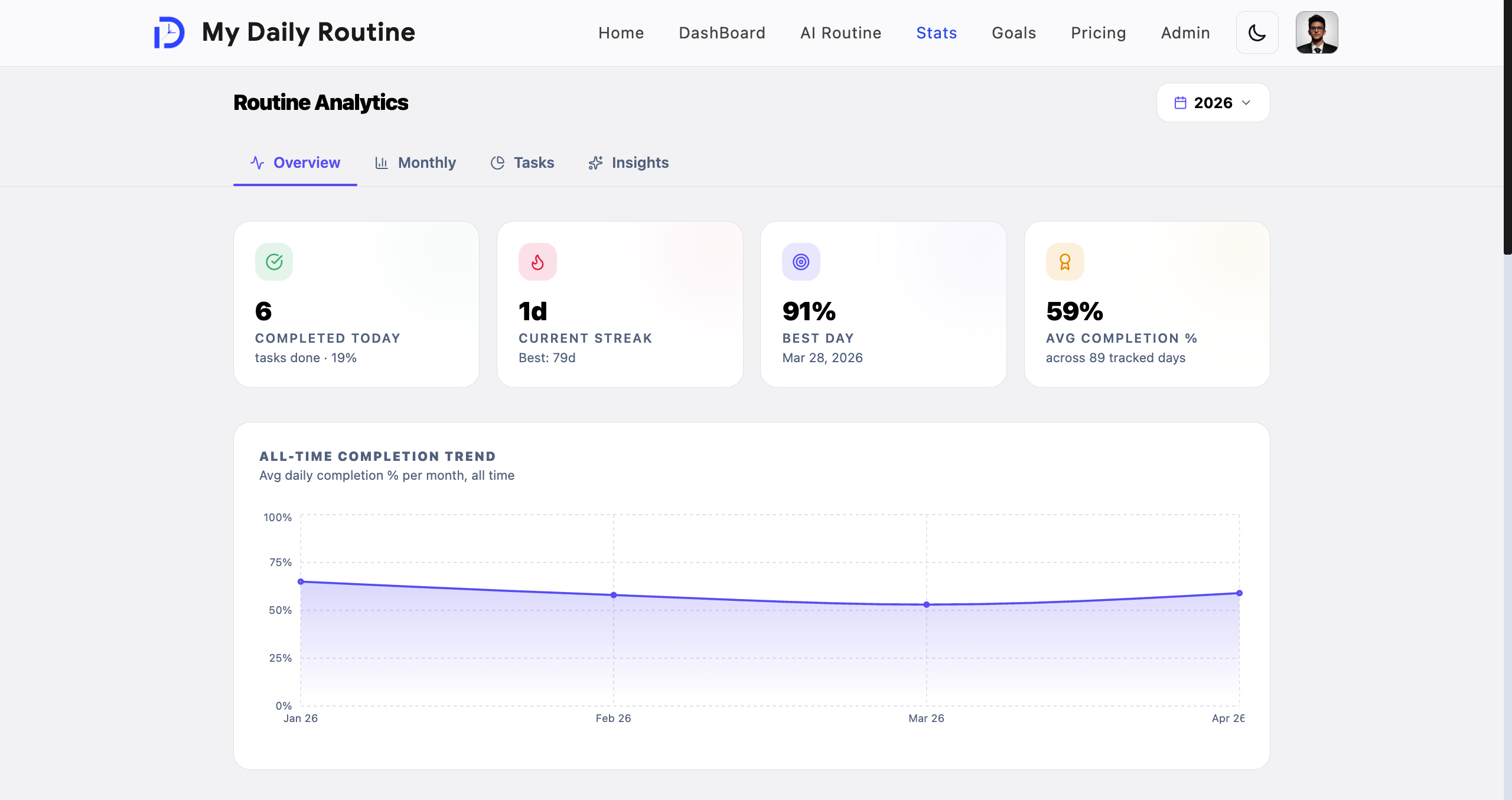
Every task you complete feeds into a full stats dashboard, so you can actually see how consistent you've been — not just guess.
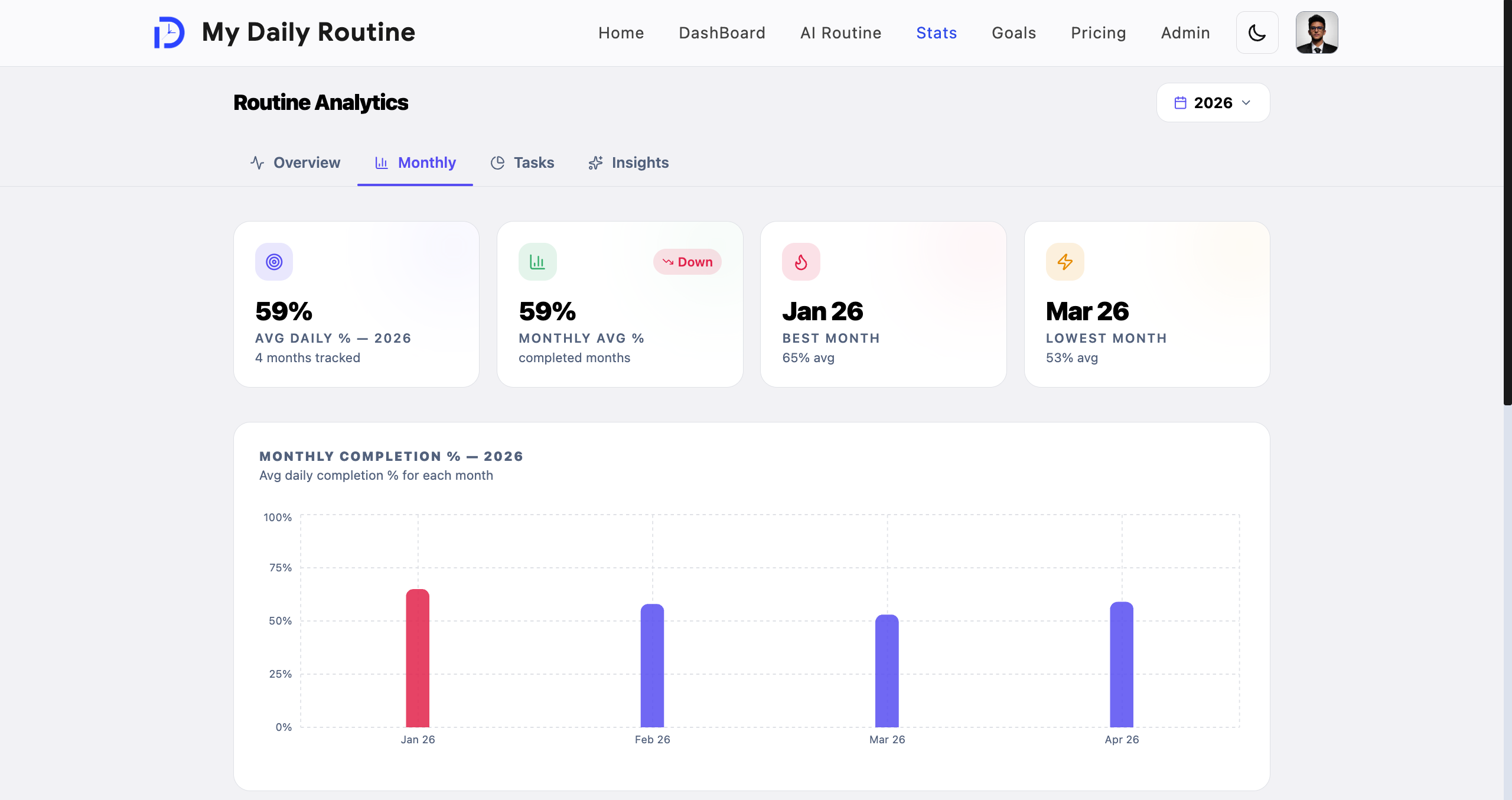
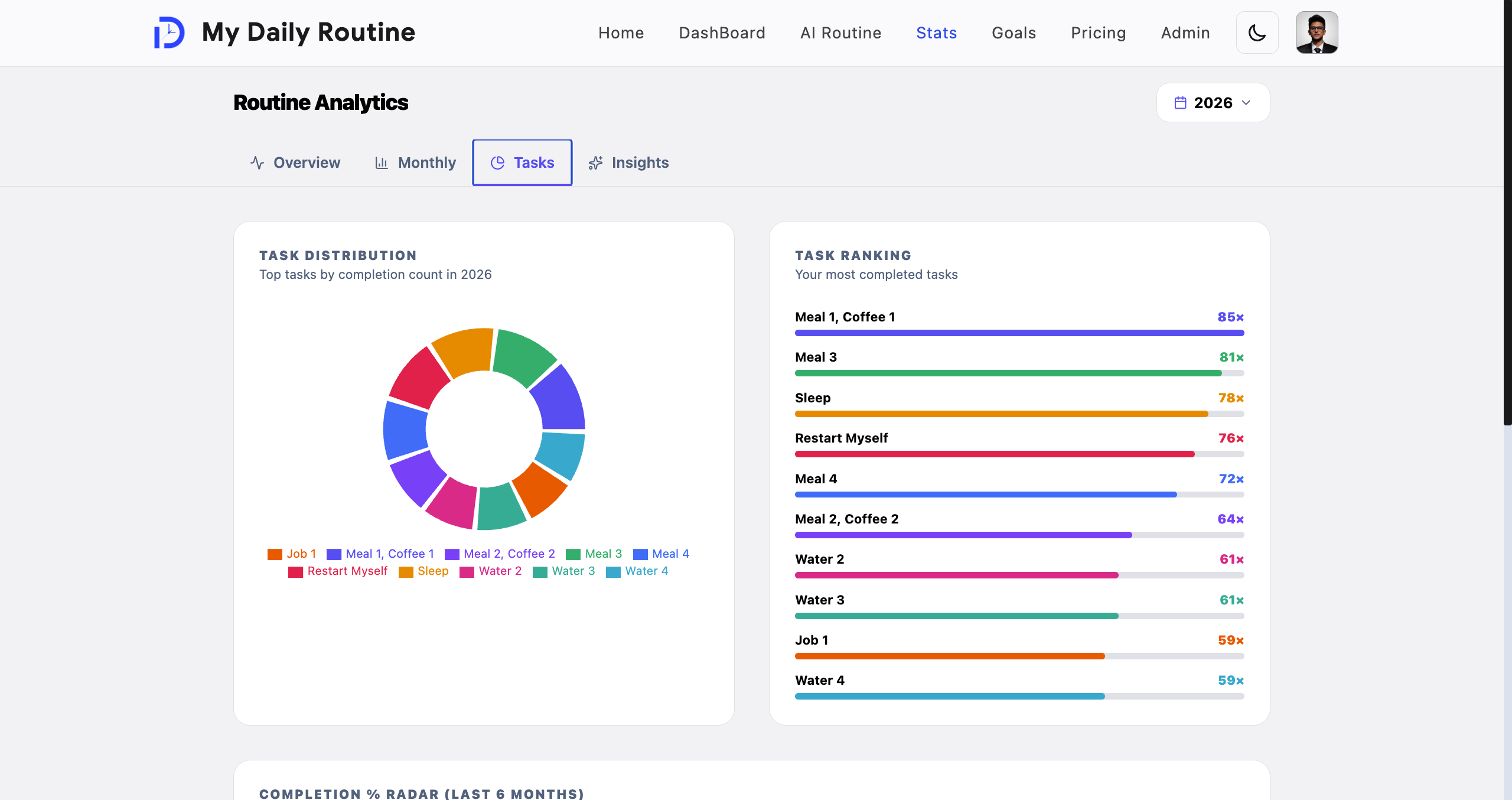
See your current and best streaks, a monthly breakdown, which tasks you complete most (and which you don't), and personalized insights about your habits, like your strongest day of the week.
A full year's activity is laid out as a heat map, so your progress is visible at a glance.
- Current and best-ever streaks
- Monthly breakdown of your completion rate
- See which tasks you keep — and which you keep skipping
- Personalized insights about your habits and patterns
- A full year of activity shown as a heat map
Your Profile
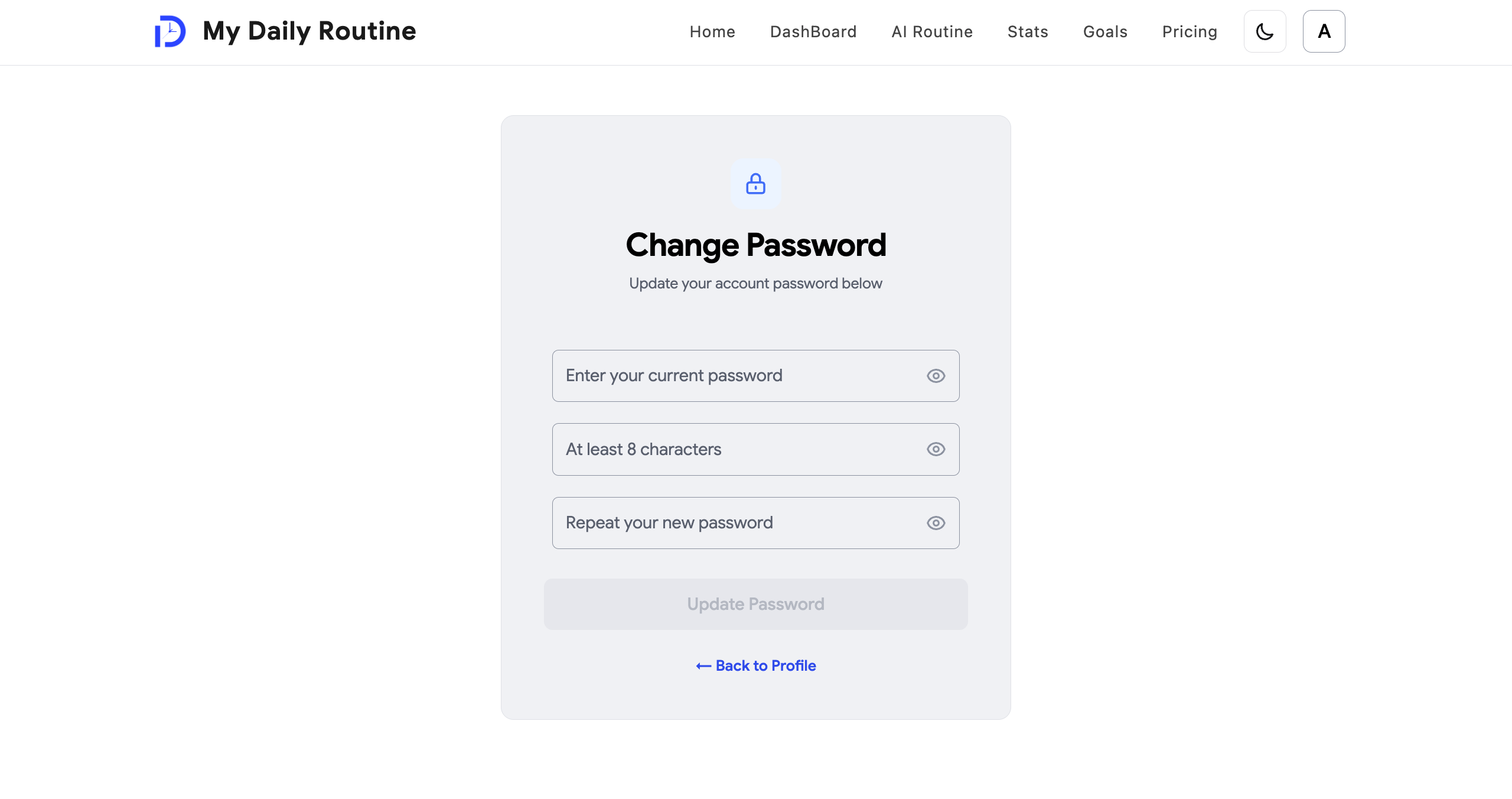
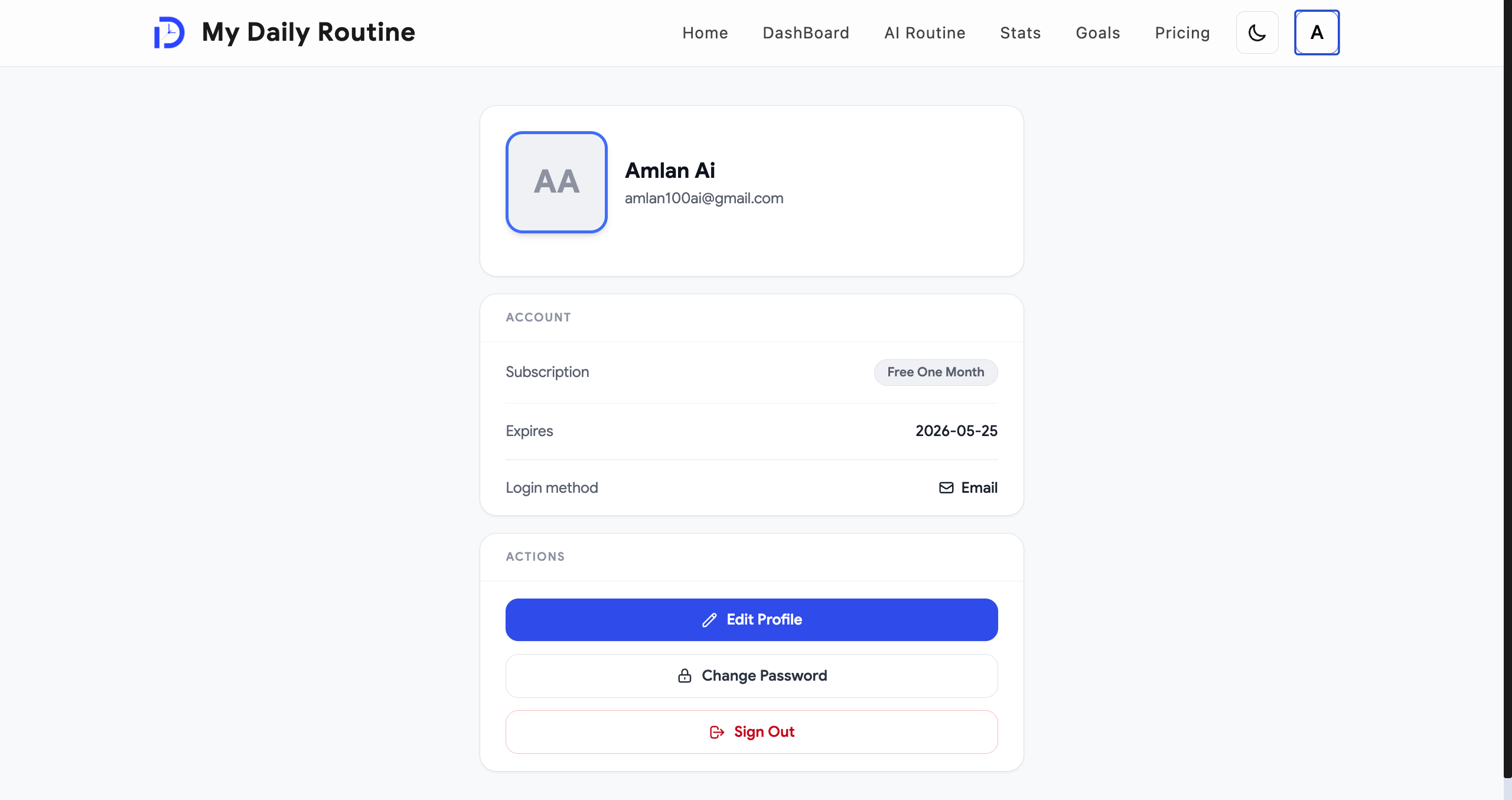
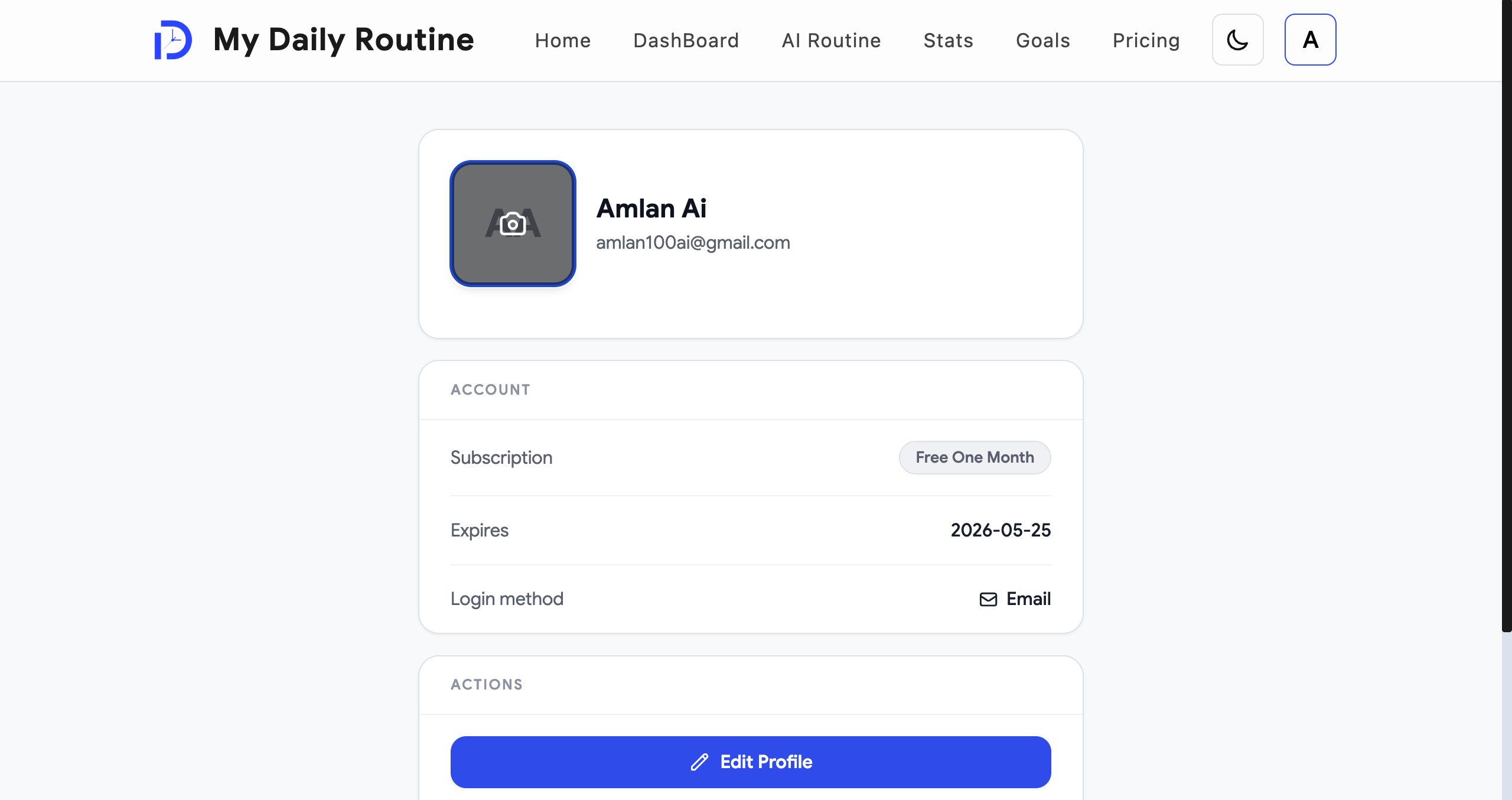
Update your display name and upload a profile photo — it's automatically resized and optimized so it loads fast without looking blurry.
Your data is always cleaned before it's ever sent to your browser, so nothing about how the app works internally is ever exposed.
- Update your name and profile photo anytime
- Photos are automatically optimized for fast loading
- Your data is kept clean and private, always
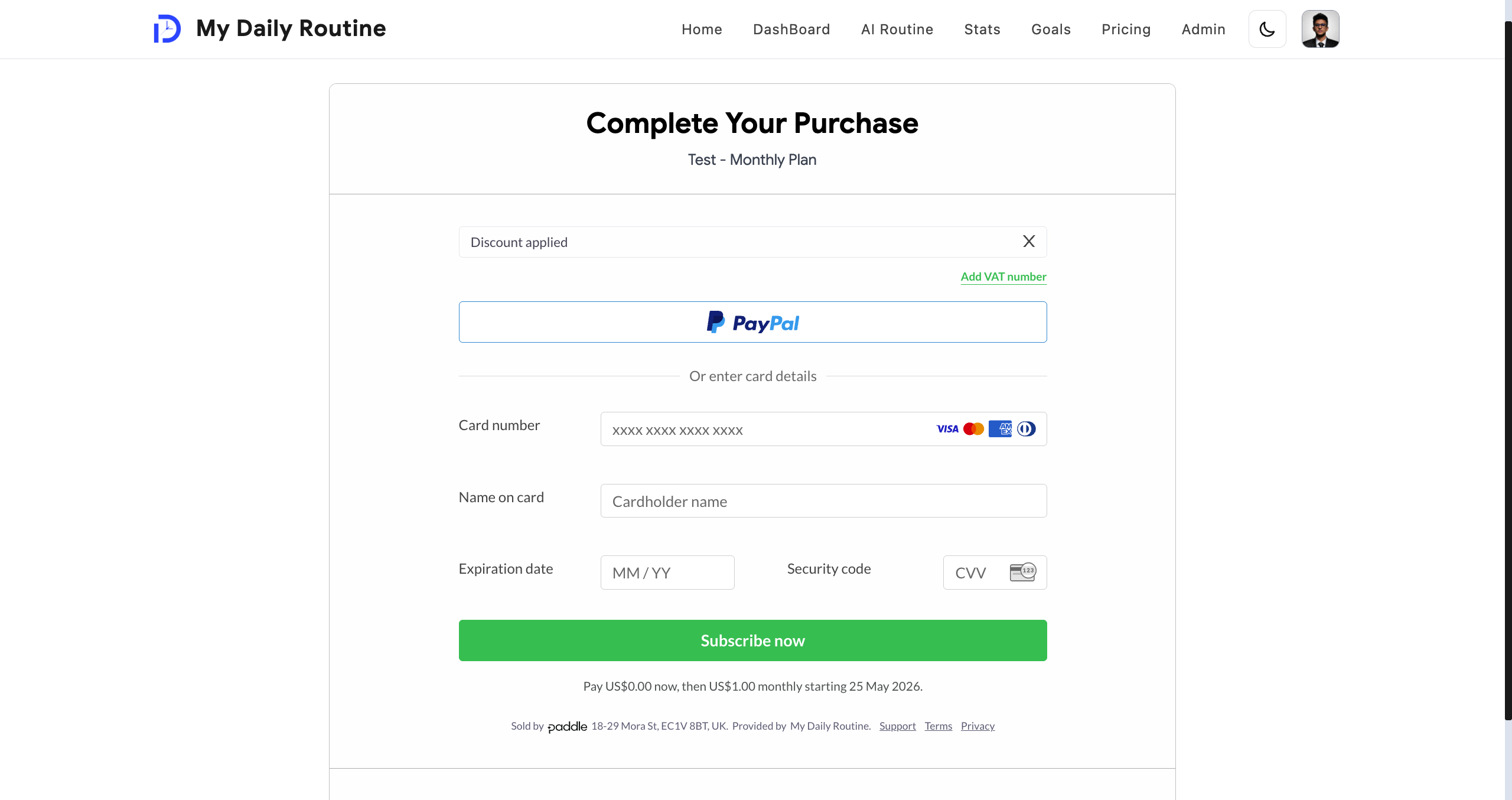
Simple, Secure Billing
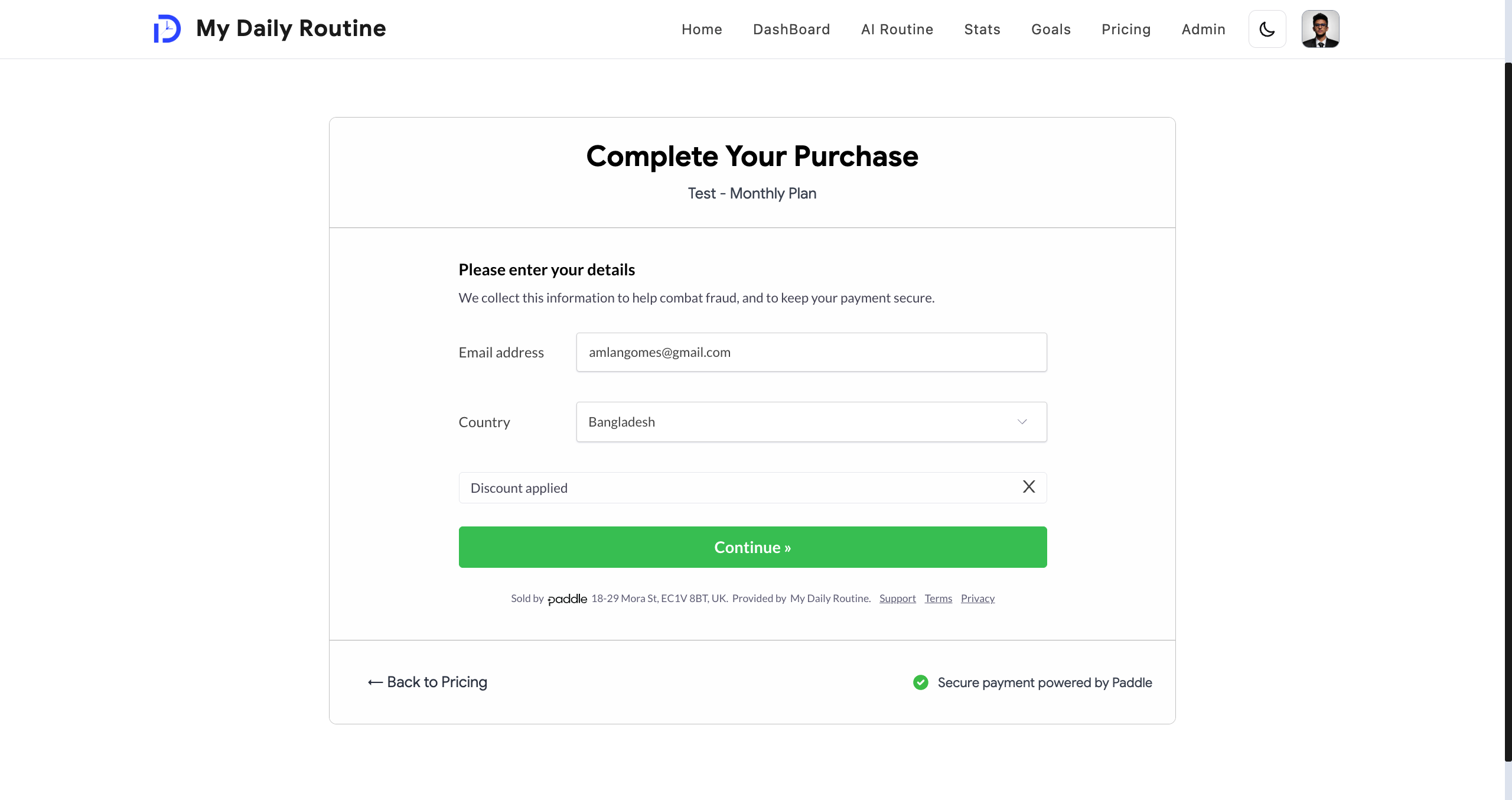
Going premium is a one-time purchase, handled securely through Paddle — no recurring surprises.
Every payment is verified on the backend before your account is upgraded, so access is only ever granted for real, confirmed payments. Your billing page always shows your current plan and when it's valid until.
- One-time purchase for premium — no subscriptions
- Payments verified securely before any upgrade is granted
- Billing page shows your plan and renewal status clearly
Admin Dashboard
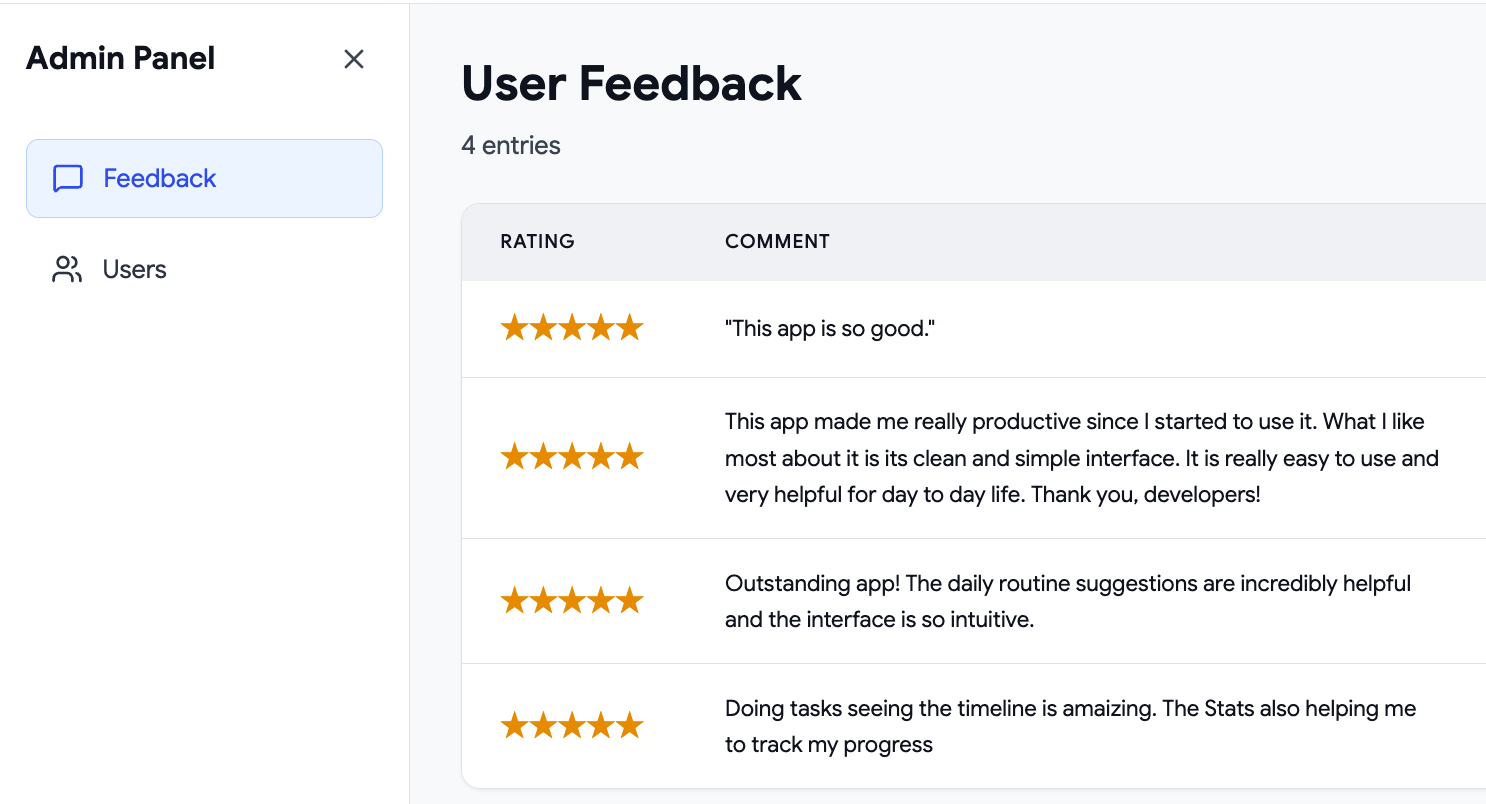
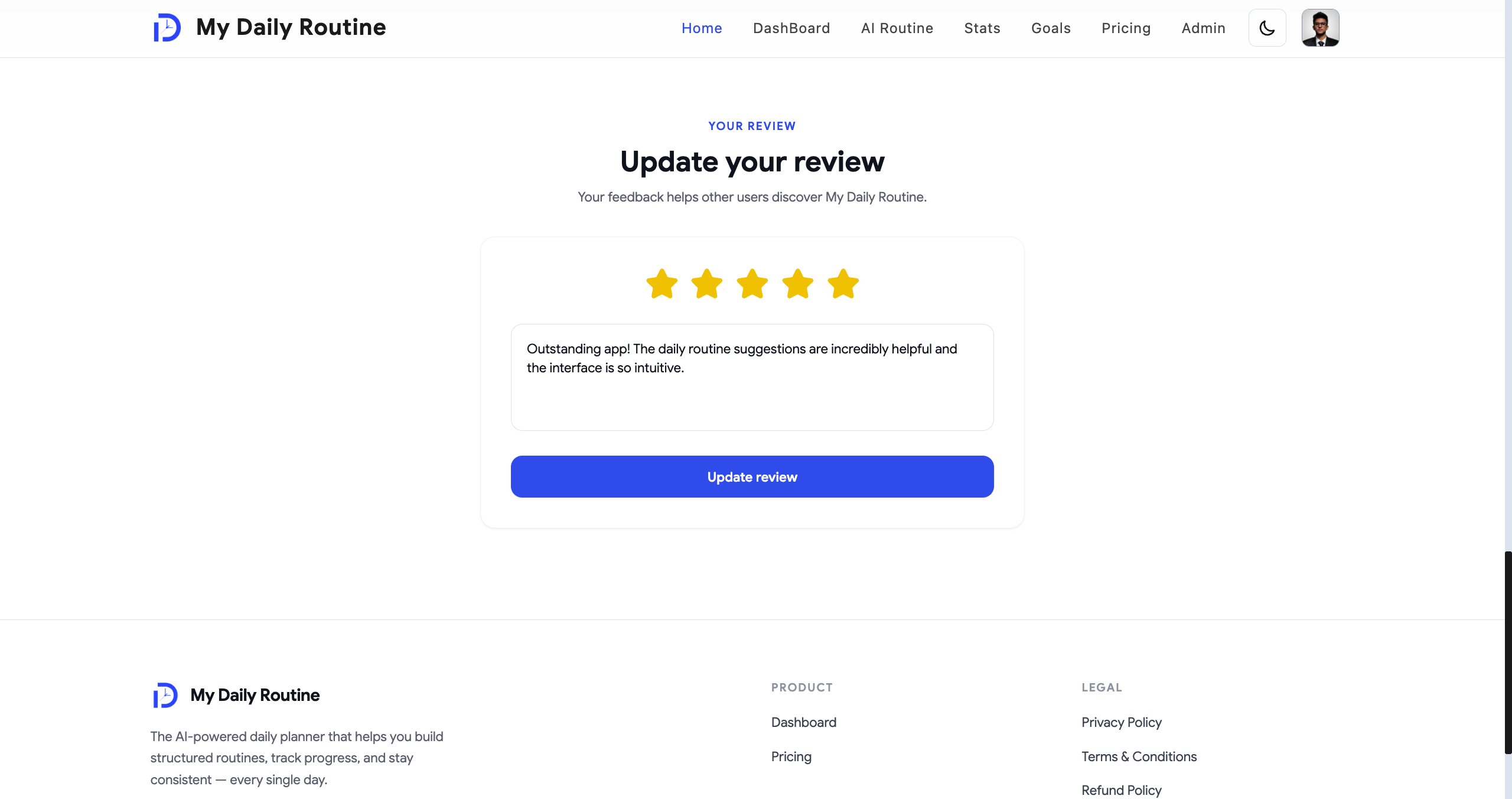
A private admin area lets me manage the user base and respond to feedback directly, so issues get seen and fixed quickly.
- Manage users and account status
- Respond to feedback submitted by real users
- Locked down to admin accounts only
Built to Be Fast and Secure
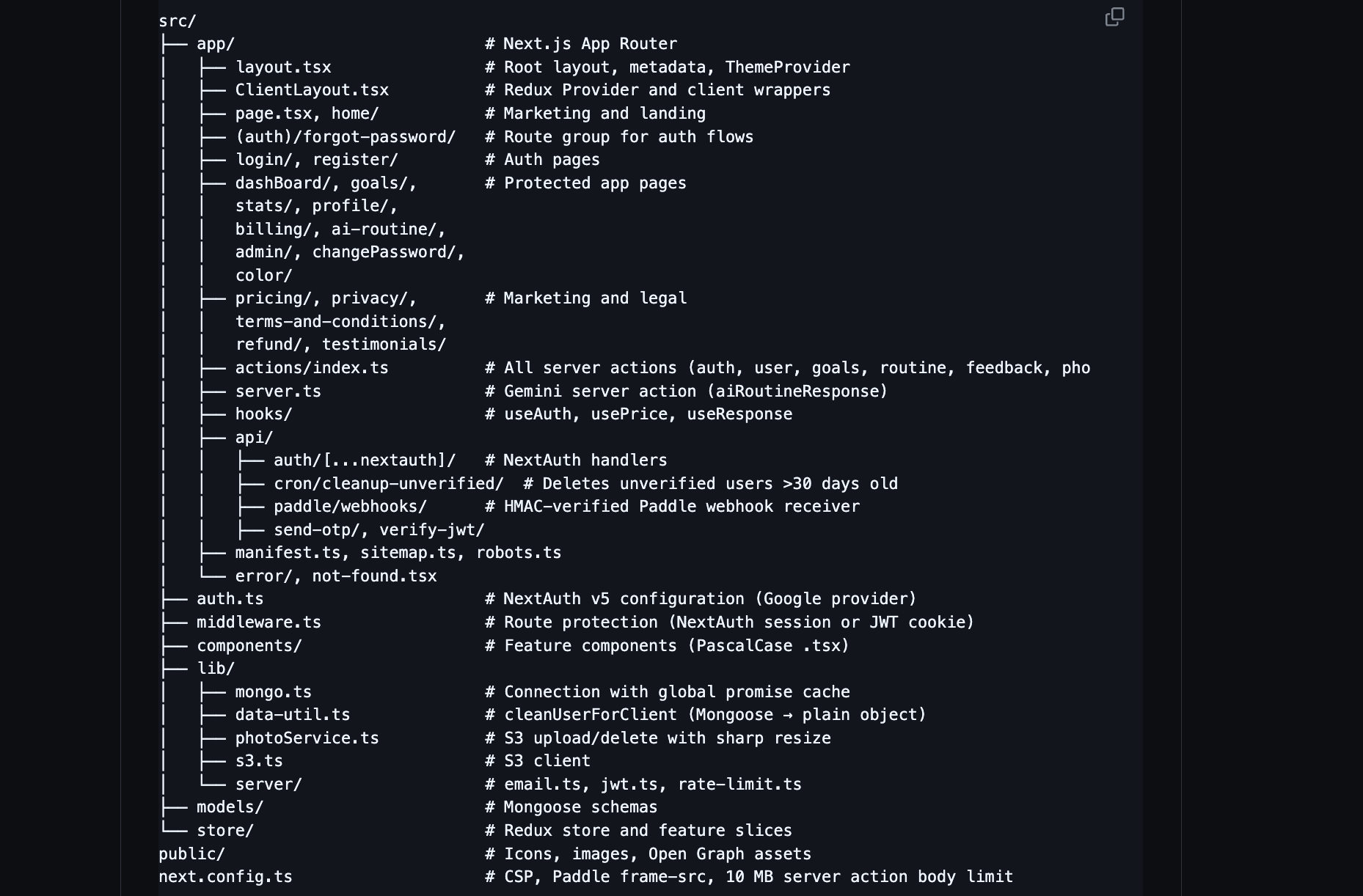
Under the hood, the app is hardened the way a real production service should be — strict security headers, rate limiting on sensitive actions, and a database connection built to stay stable under real traffic.
The codebase is organized so it's easy to follow and safe to change, with every server-side action double-checking who's really making the request before it touches your data.
- Strict security headers and a locked-down content policy
- Rate limiting to protect against abuse
- A database connection built to stay reliable under load
- Every action re-verifies who's making the request, every time
Built With
My Daily Routine is built on Next.js, React, and TypeScript on the frontend, with MongoDB handling the data behind it.
It uses Google Gemini for the AI routine assistant, Paddle for payments, and cloud storage for profile photos — all tied together with Redux Toolkit for state and Recharts for the analytics charts.
- Frontend: Next.js, React, TypeScript, Tailwind CSS, Framer Motion
- State: Redux Toolkit
- Backend & Data: MongoDB
- AI: Google Gemini
- Payments: Paddle
- Analytics: Recharts